Domain Name Registration Guide for China
Log In to Your Account
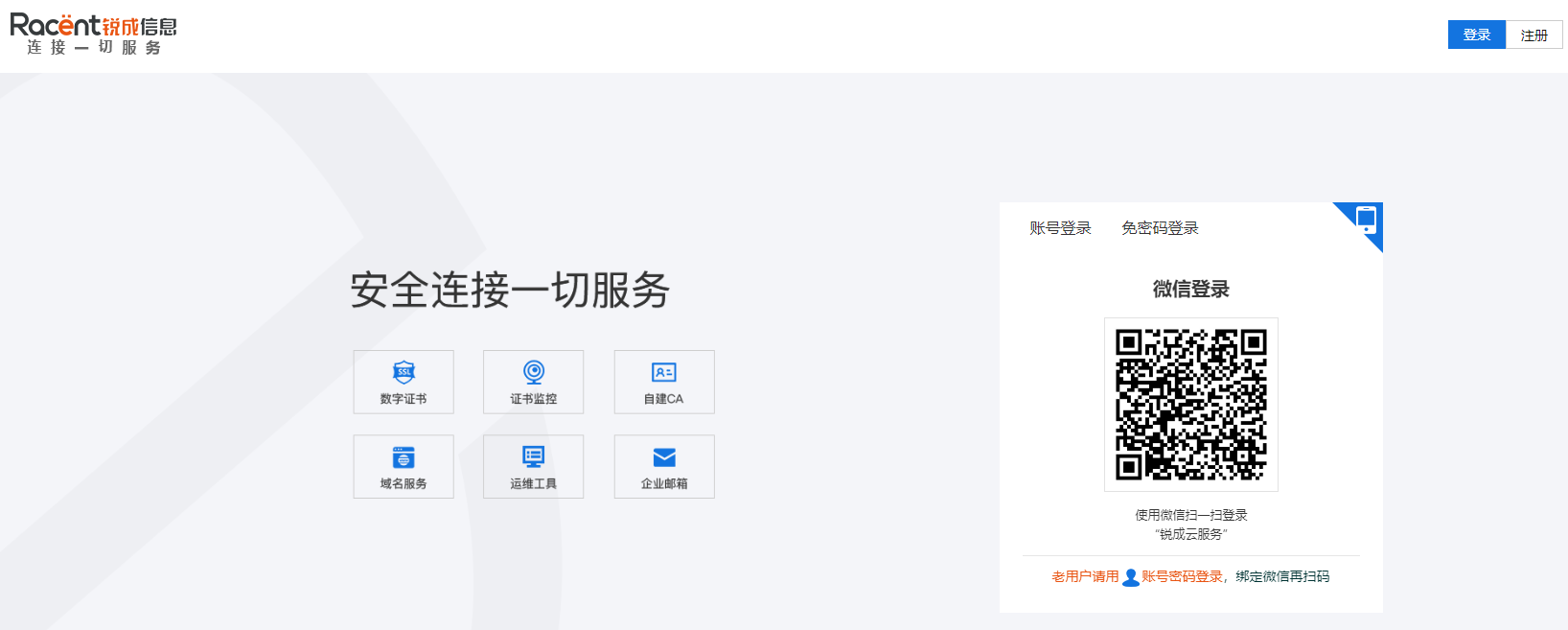
- Go to the official Racent website at
https://www.racent.com/ - Click Log In as shown in the image (if you do not have an account, please register first)

Domain Name Registration
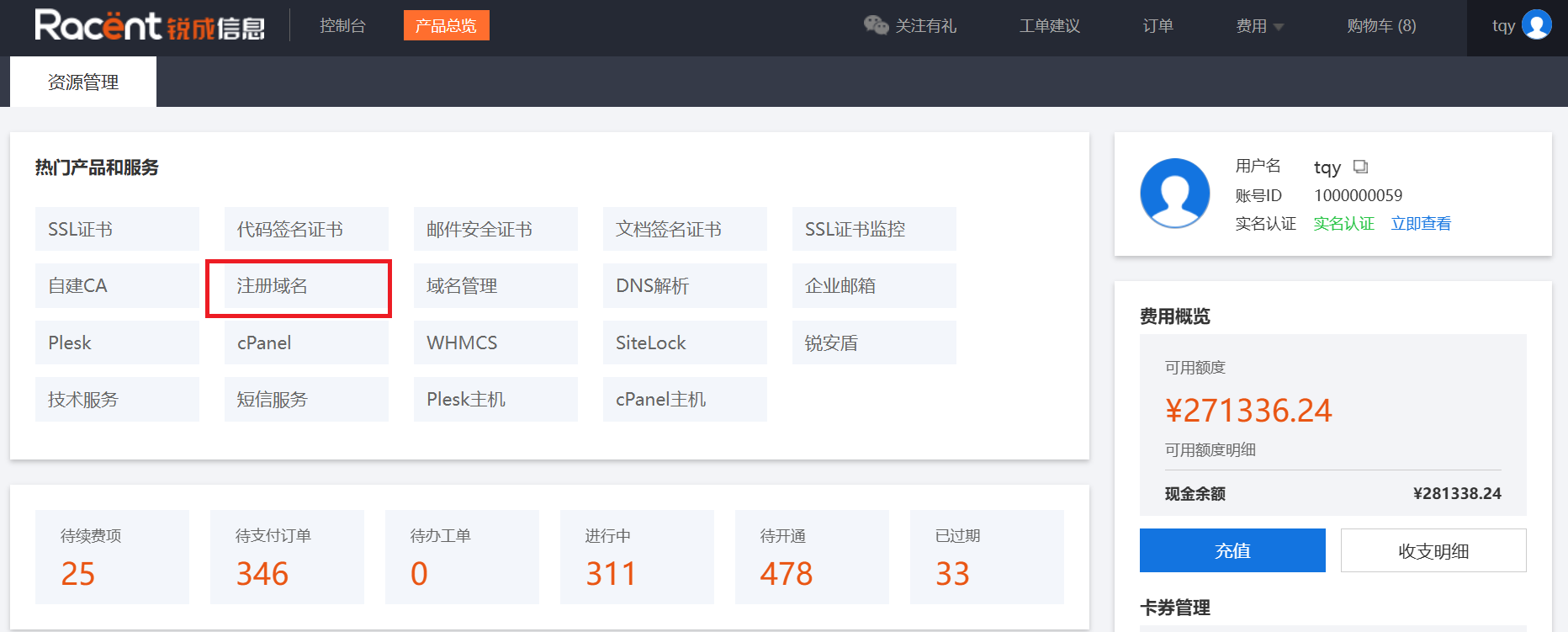
- After logging in to your account and entering the Racent console, click the Register Domain option

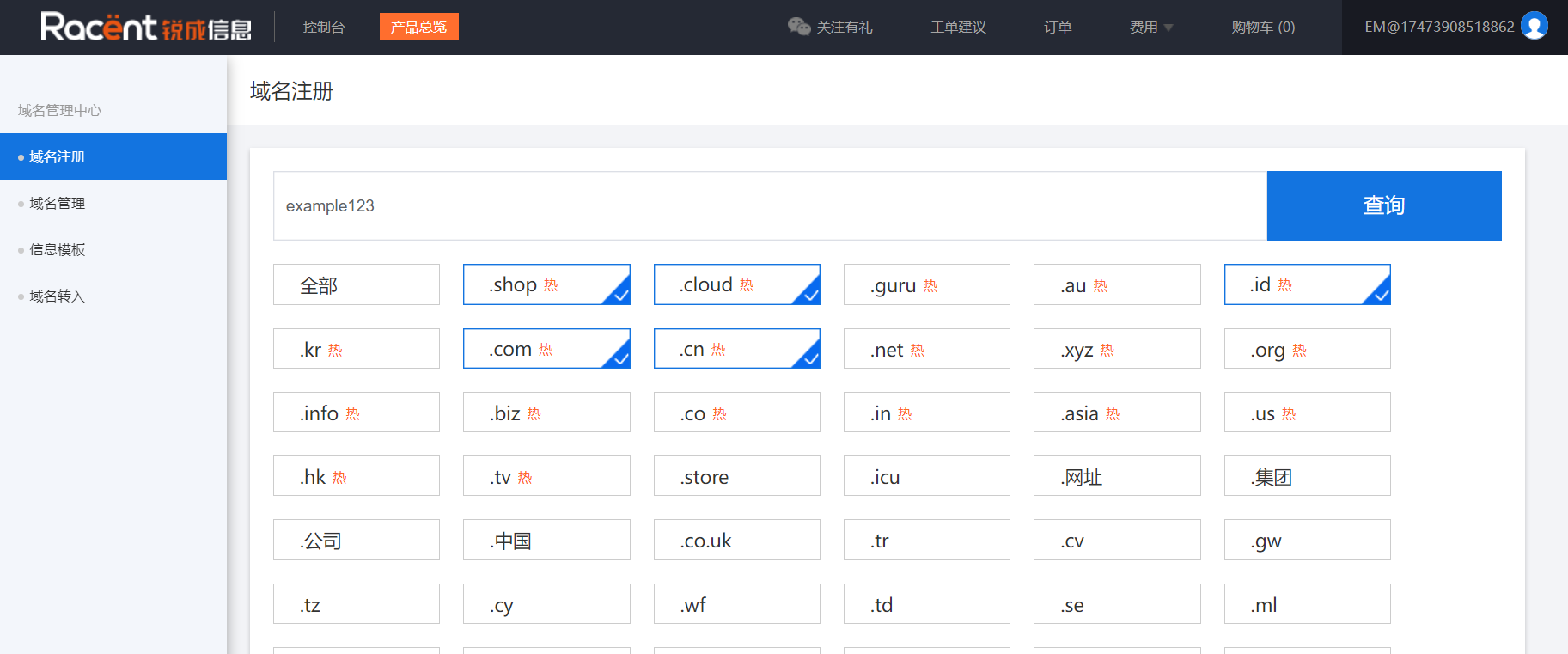
- Enter the domain prefix you want to register, select the top-level domain you want to register, then click the Search button

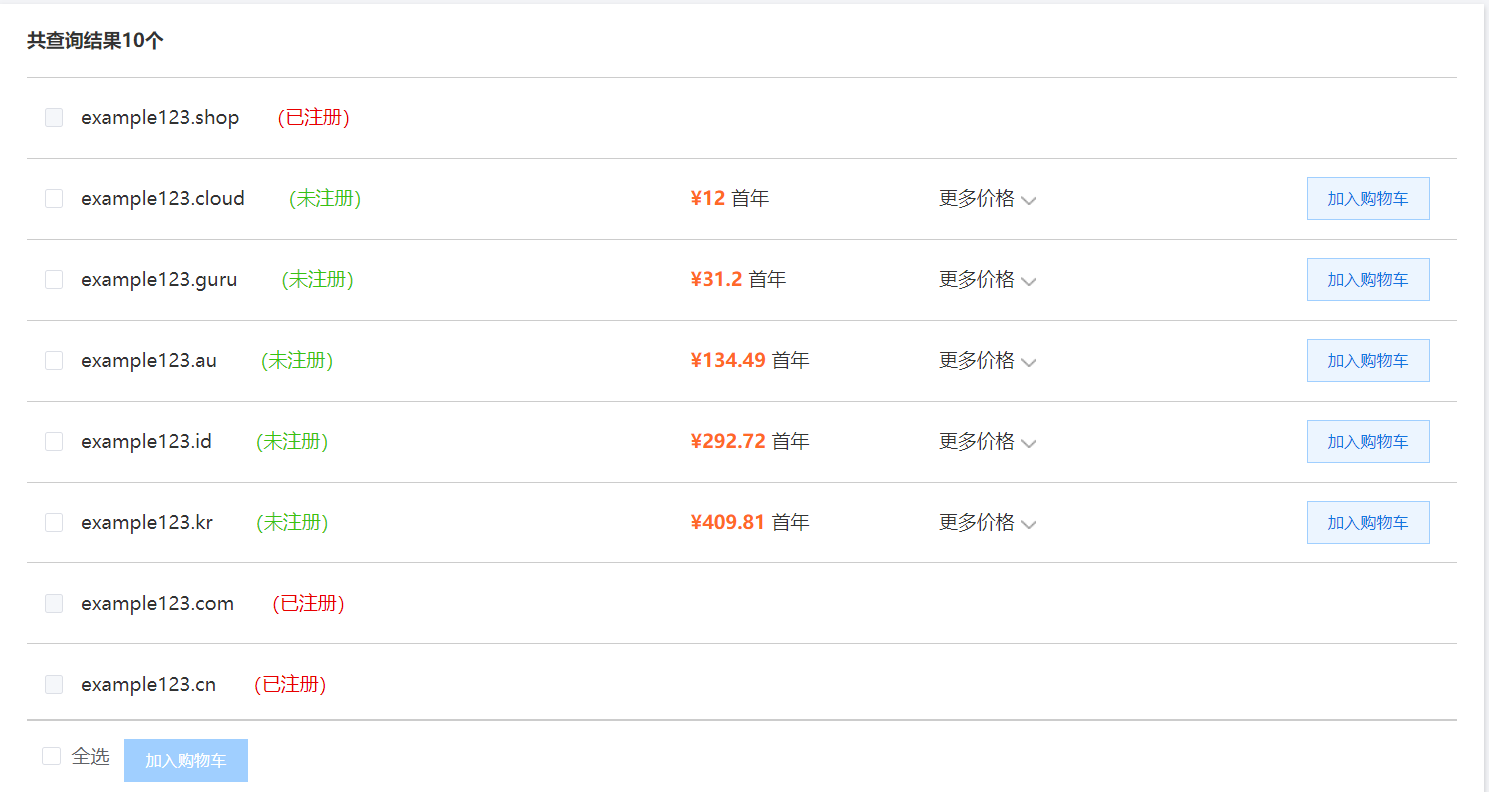
- If the domain shows Registered, it means the domain has already been registered by another entity. If the domain shows Unregistered, you can click Add to Cart to proceed with the purchase.

Domain Name Real-Name Verification
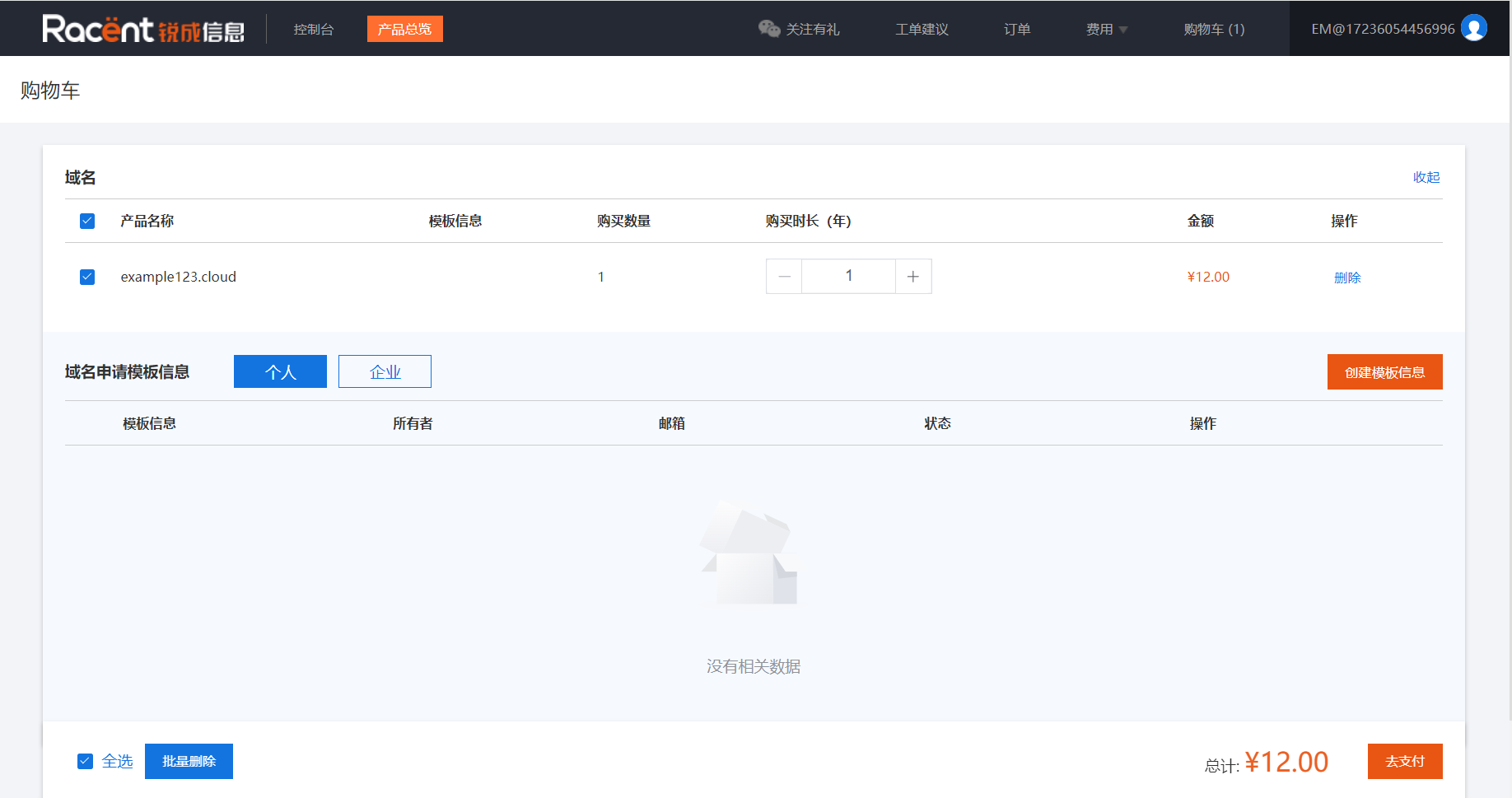
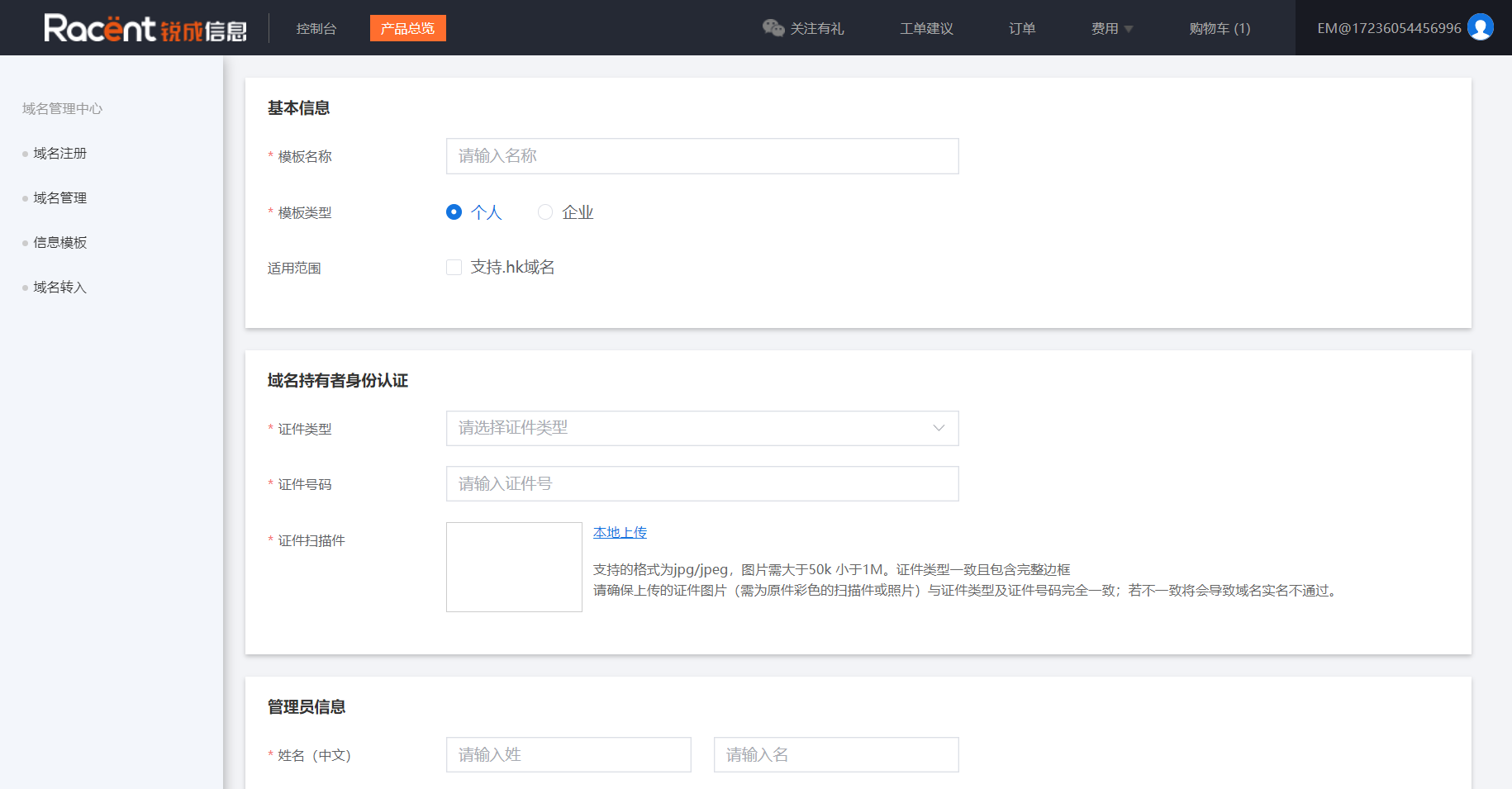
- If you are purchasing a domain name on the Racent platform for the first time, you need to complete real-name verification. Click Create Template Information and select individual or enterprise verification.

- Fields marked with a red asterisk (*) are required. For individual verification, you need to upload your personal ID card; for enterprise verification, you need to upload your business license (color copies are required, black-and-white copies are not accepted)

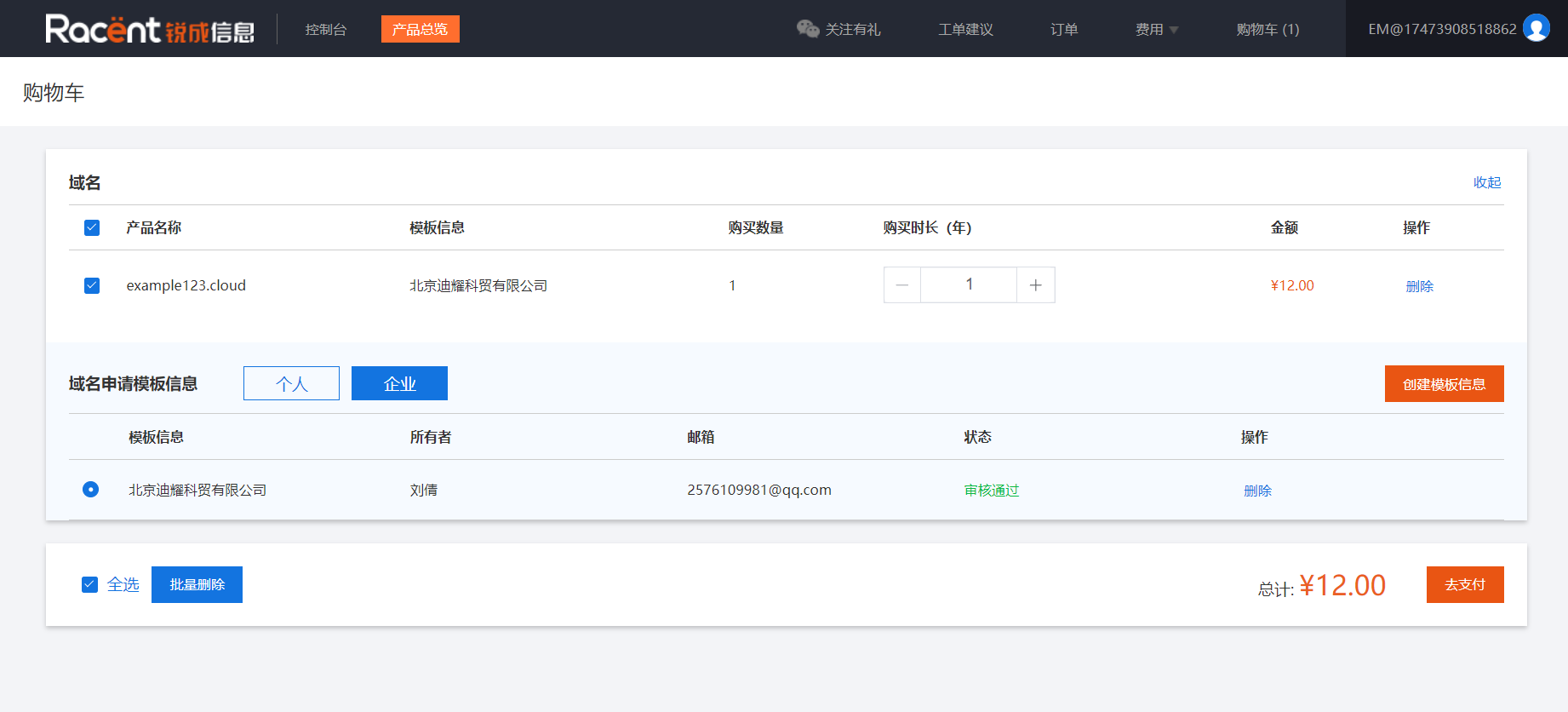
- Click Confirm and wait for verification (usually approved within 1 hour). When the status shows Approved, you can proceed to pay for the purchase.

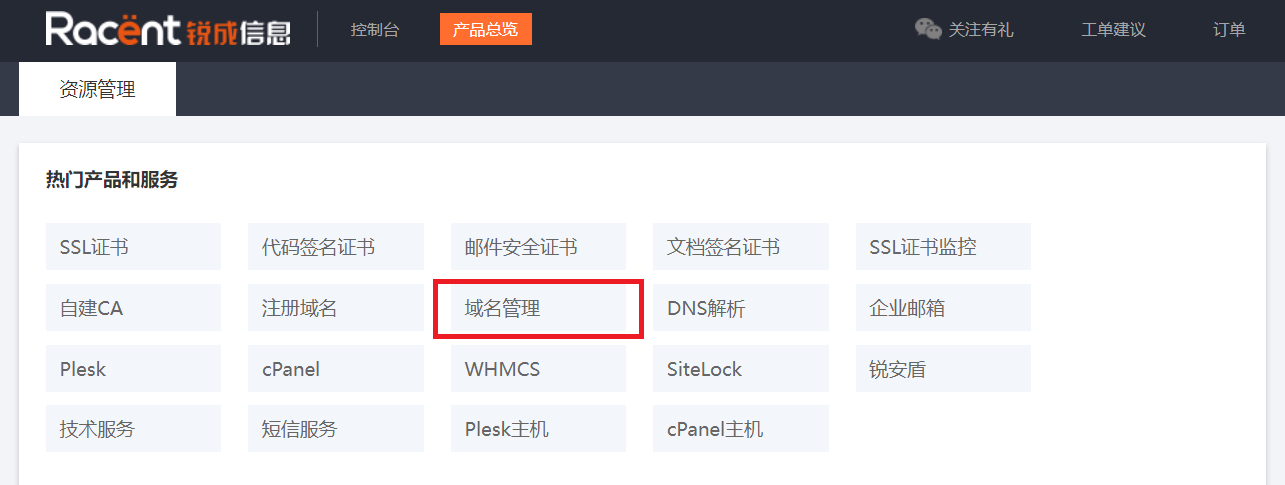
Domain Management
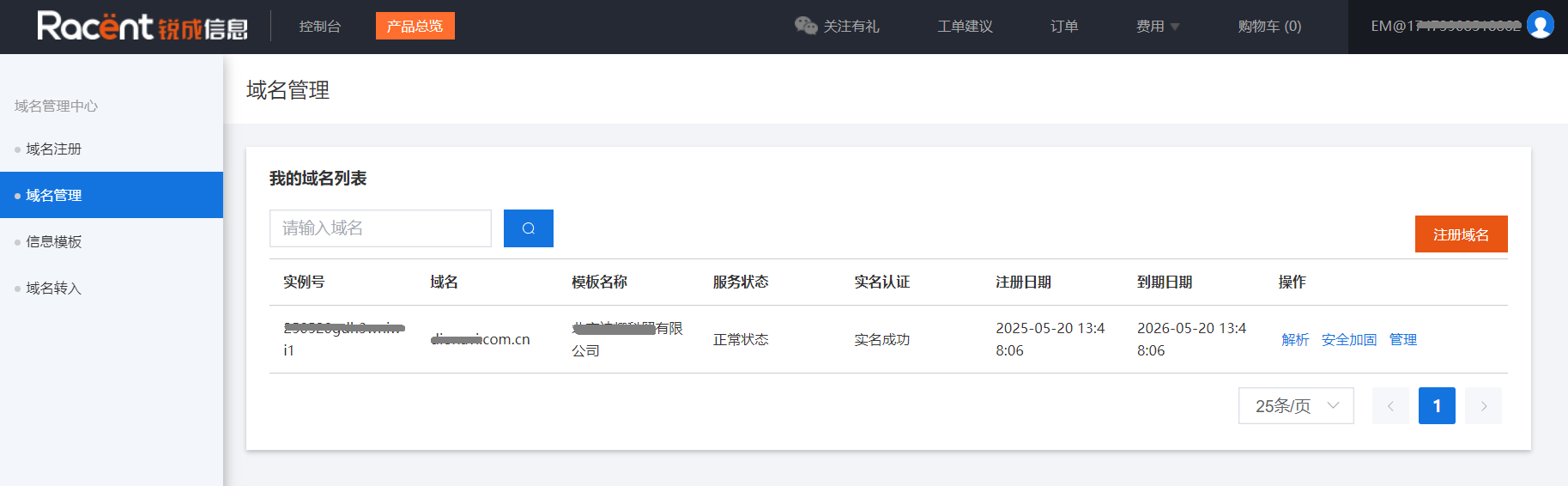
After successful payment, you can view and manage your domain names in Domain Management.

DNS Resolution
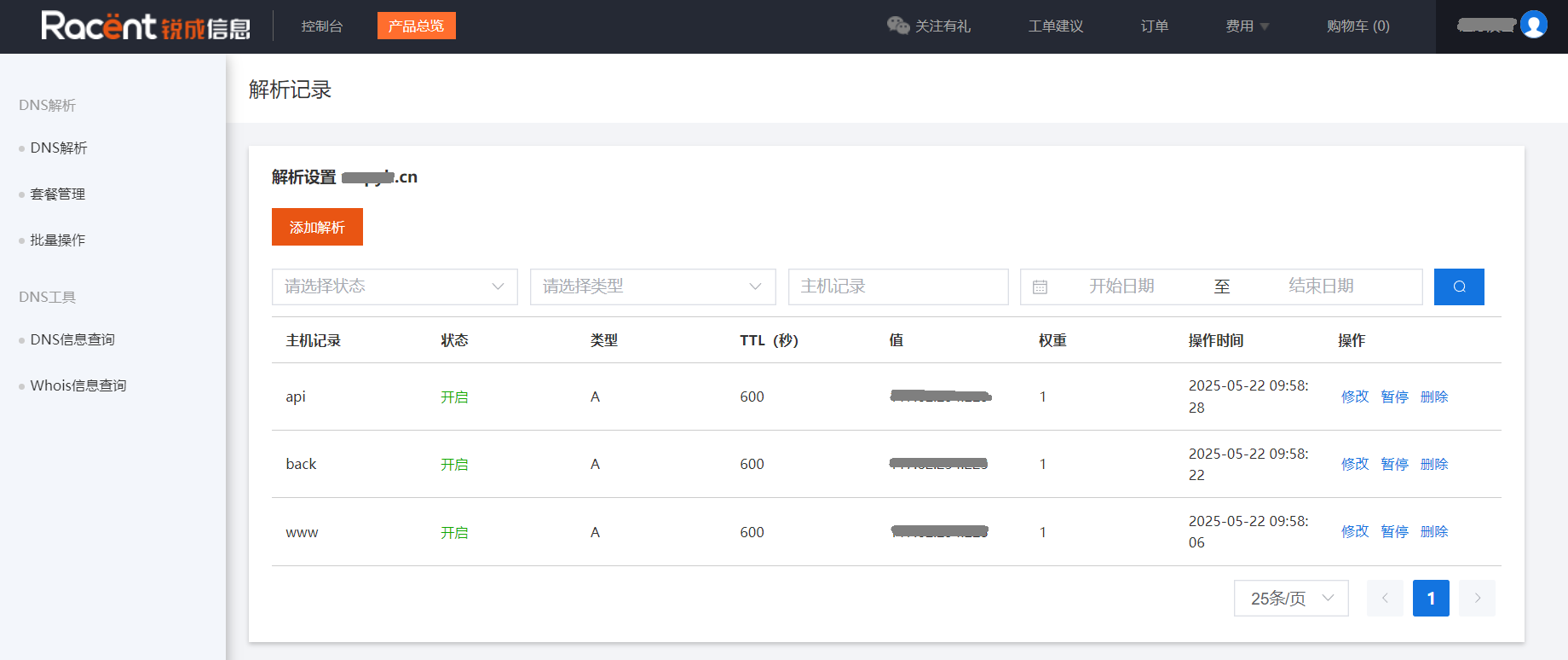
Click Resolve to use the domain resolution service on the Racent platform for free.