Remote Code Signing Certificate Request Submission
This article details the request submission process for remote code signing certificates, covering the organization information, personal information, key storage device, CSR filling specifications and precautions required for OV/EV remote code signing, helping you efficiently complete the certificate request.
Request Information Page
-
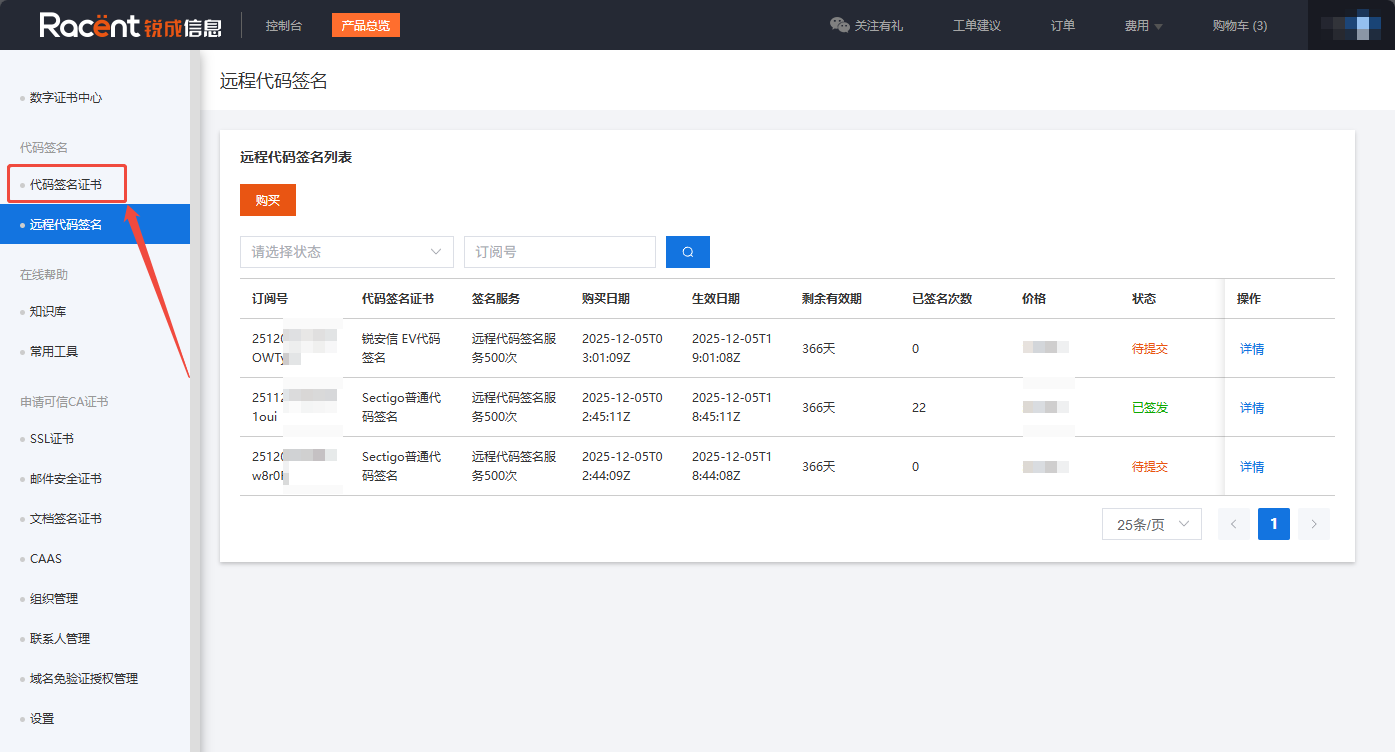
After completing the previous step Remote Code Signing Service, return to the previous page. Click Code Signing Certificate to go to the unified code signing request page.
NoteBe sure to click the Code Signing Certificate page, not the Remote Code Signing page.
-
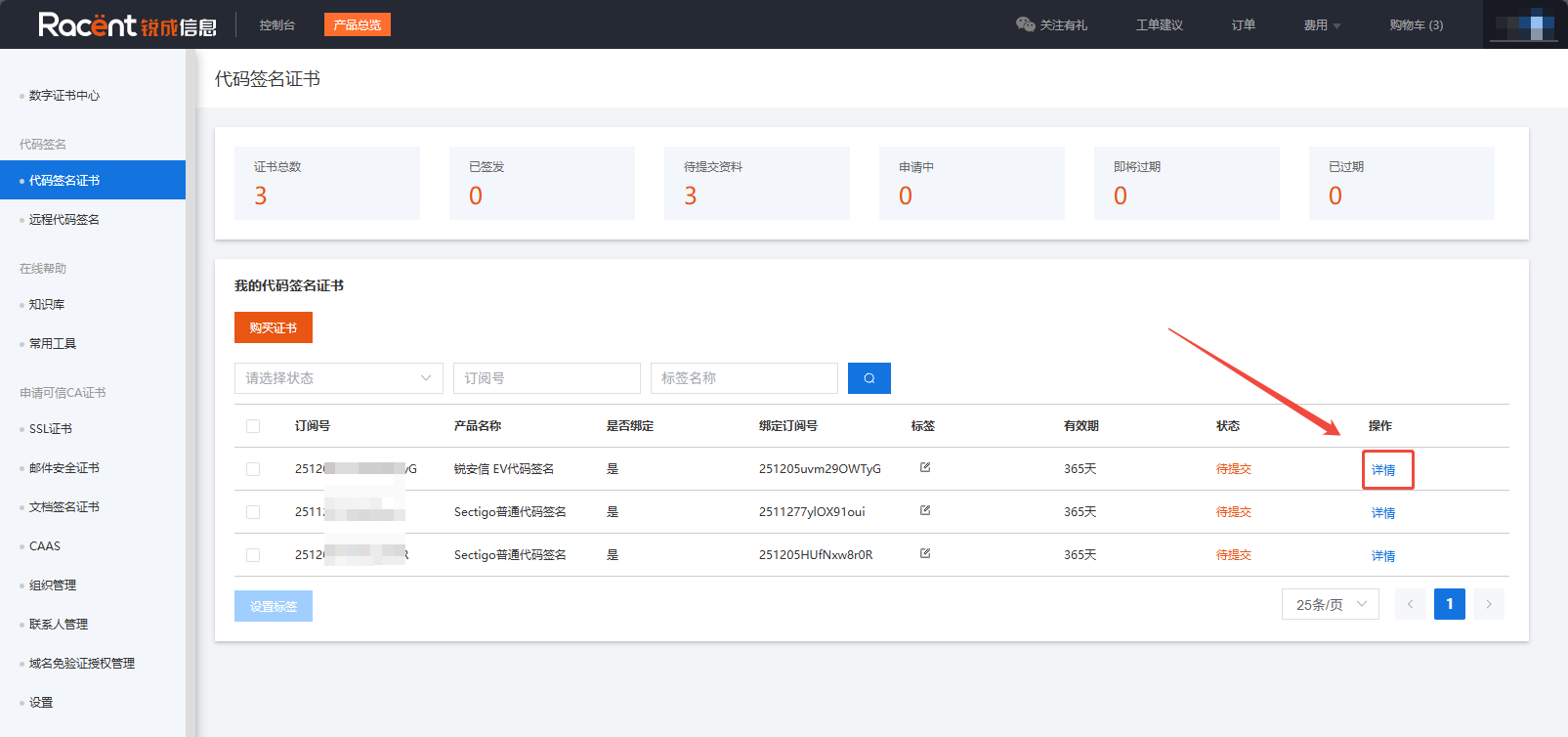
On the code signing page, find the purchased code signing certificate, click the last Details option for that entry, and enter the code signing certificate information submission page.
Submit Request Information
-
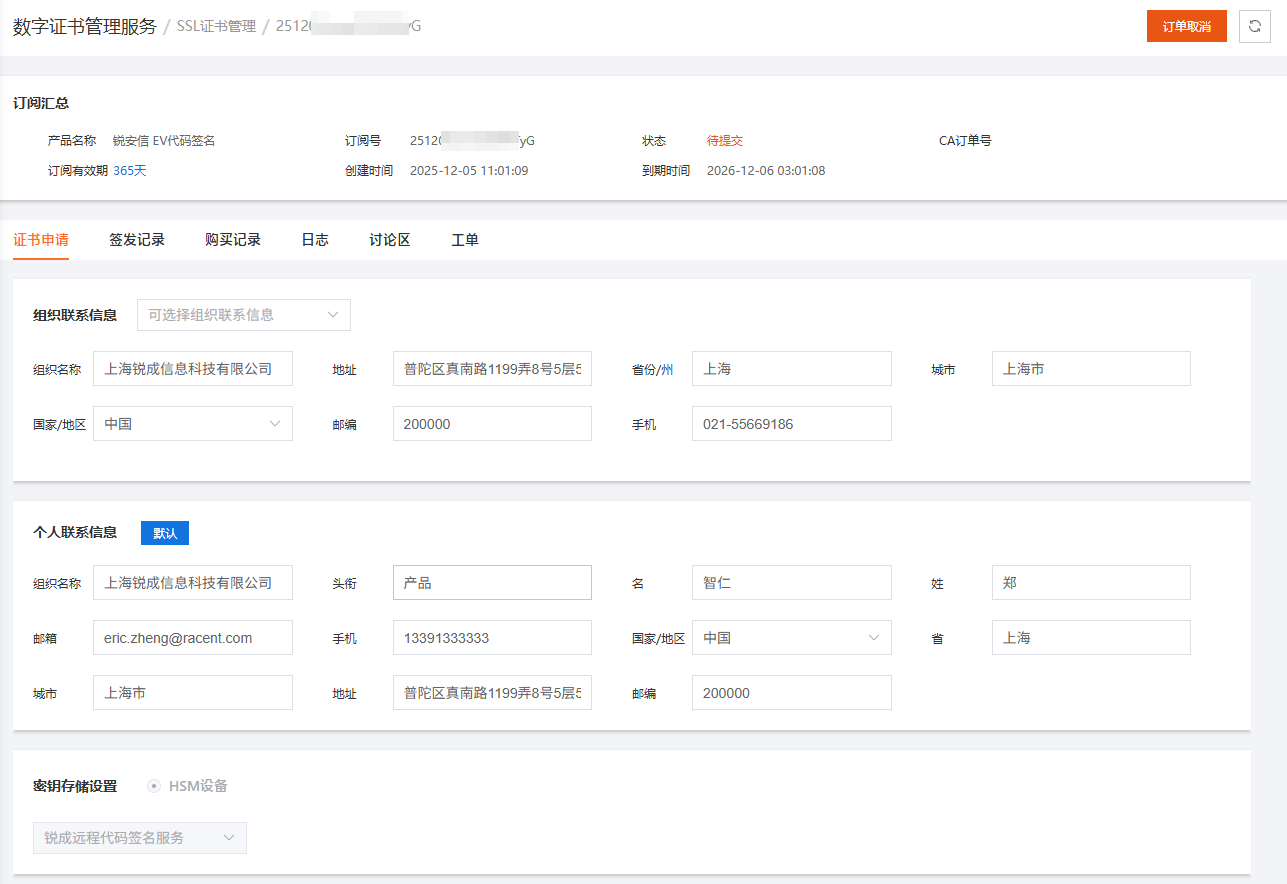
Once on this page, complete the organization contact information and personal contact information. All information must be true and valid.
-
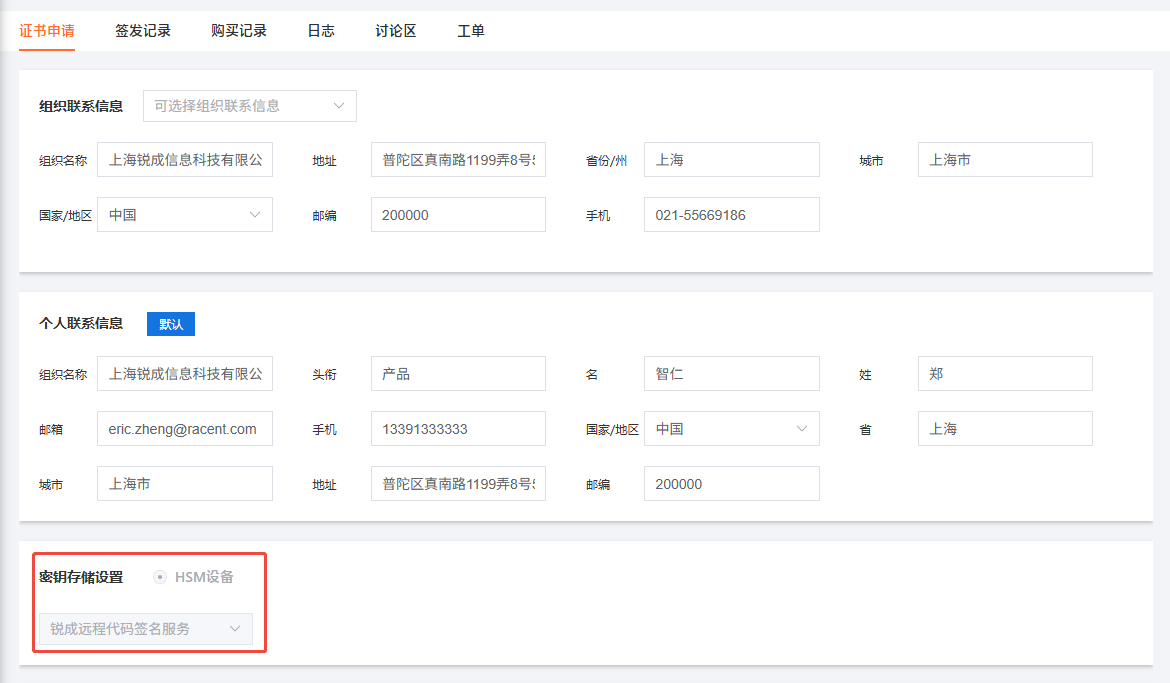
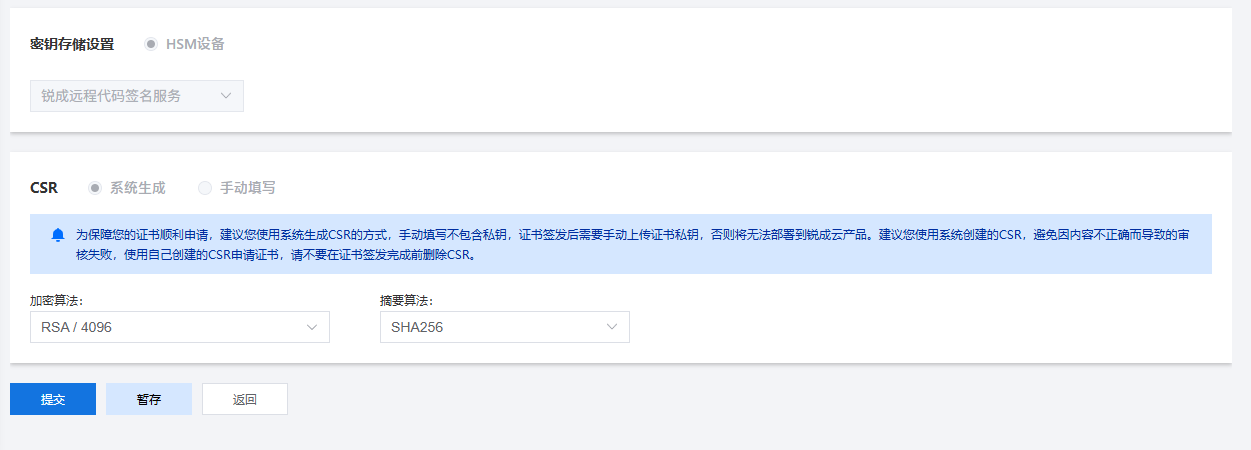
In the key storage settings section, the platform selects Racent's cloud HSM by default.
-
Choose the CSR generation method, select the required encryption algorithm and digest algorithm, and generate the CSR.
NoteSectigo code signing certificates do not support the RSA 2048 encryption algorithm.
TipTo ensure your certificate request goes smoothly, we recommend using the system-generated CSR method. A manually filled CSR does not include the private key, and after the certificate is issued, you will need to manually upload the certificate private key, otherwise it cannot be deployed to Racent cloud products. We recommend using the system-created CSR to avoid review failures caused by incorrect content. If you use your own CSR to request a certificate, do not delete the CSR before the certificate is issued.
-
Click the "Submit" option in the lower-left corner to submit the certificate request.
NoteIf you have any questions, you can click the "Save Draft" option and contact our online customer service for support.
Submission Status
-
Return to the Code Signing Certificate page and you can see the certificate's current status is Pending Review.
-
Complete the subsequent verification steps after code signing, such as confirming the agreement via email, enterprise verification, etc. The verification steps vary slightly by brand. If you need assistance, please contact online customer service.