DNS Resolution Operation Guide
Racent provides free DNS resolution services for all customers. Domains newly registered on the Racent platform will automatically have free resolution enabled. If your domain is not registered on the Racent platform, you can choose to transfer the domain to the Racent platform or modify the domain name servers to use the resolution service for free.
For higher requirements, Racent also offers Professional and Enterprise DNS resolution plans to meet diverse resolution needs for different scales and business scenarios.

Free Domain DNS Resolution Service
Using Resolution Service for Domains Registered on Racent Platform
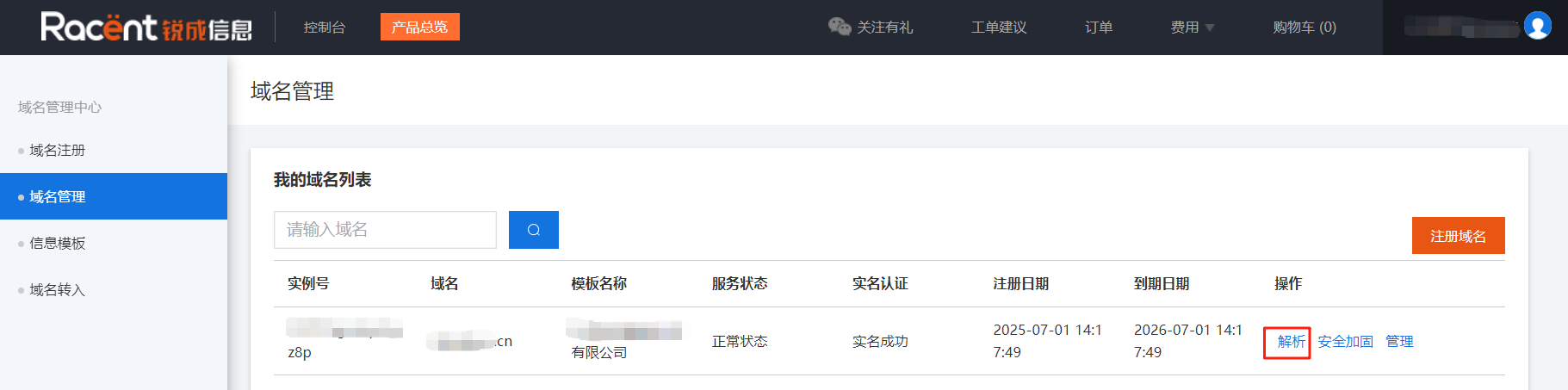
For newly registered domains, go to the domain management page, find the domain for which you want to use resolution, and click the Resolution button to enter the domain resolution interface for that domain.

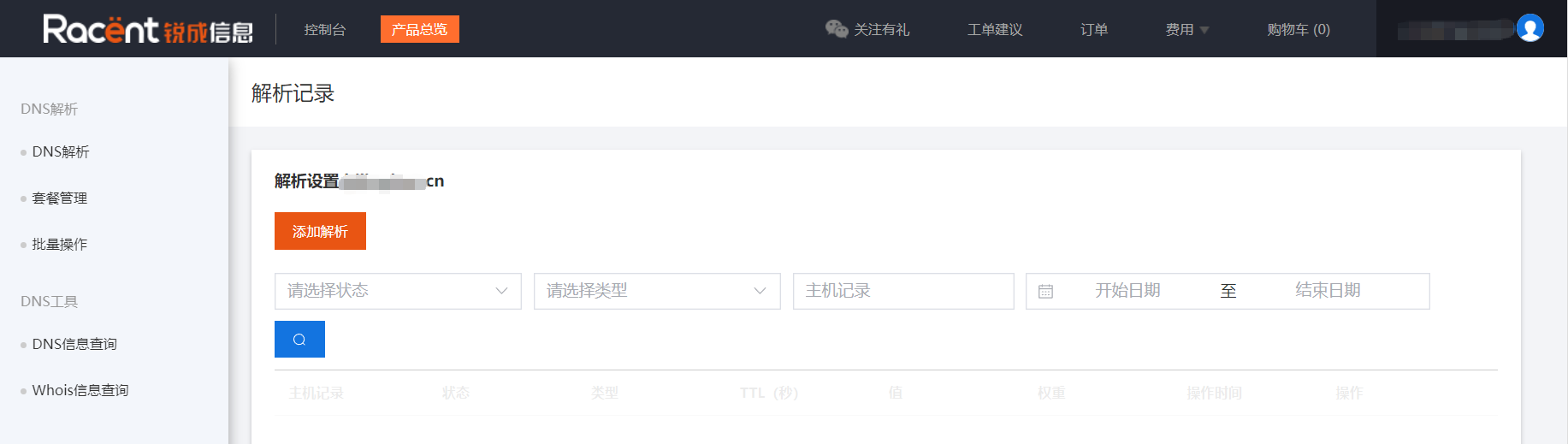
The domain resolution interface is shown below:

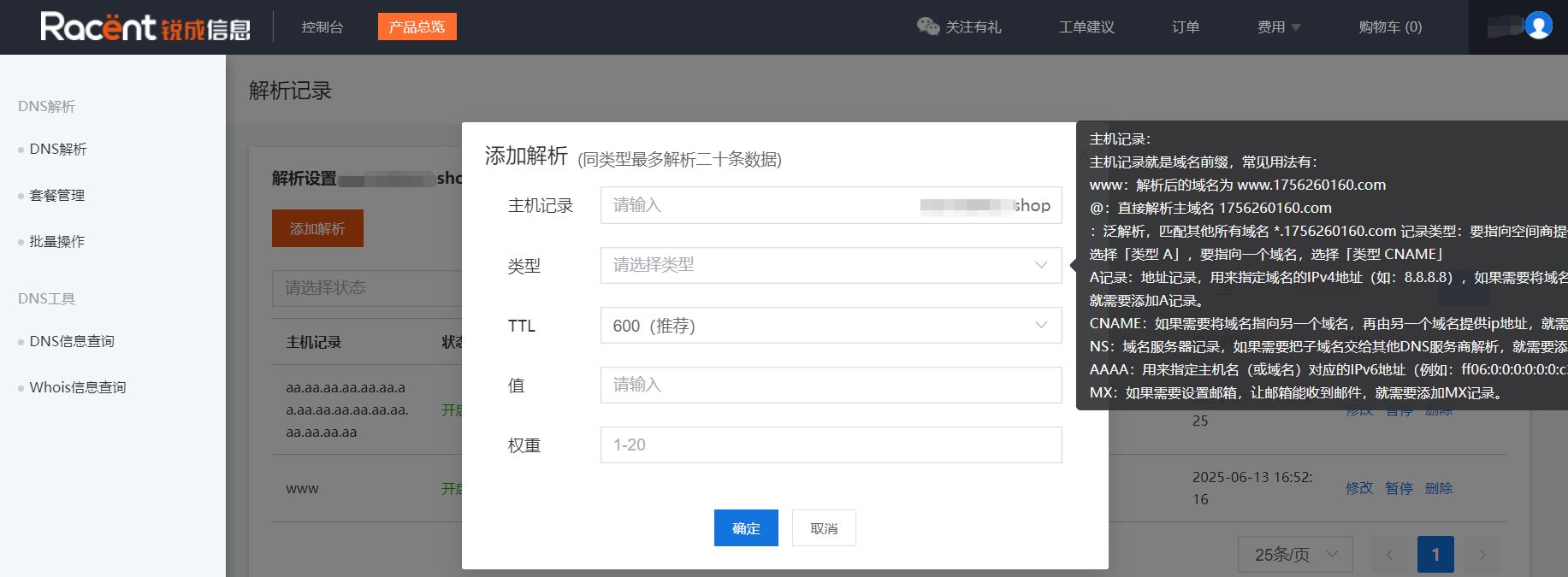
Click Add Resolution to add a resolution record.

Using Resolution Service for Domains Registered on Other Platforms
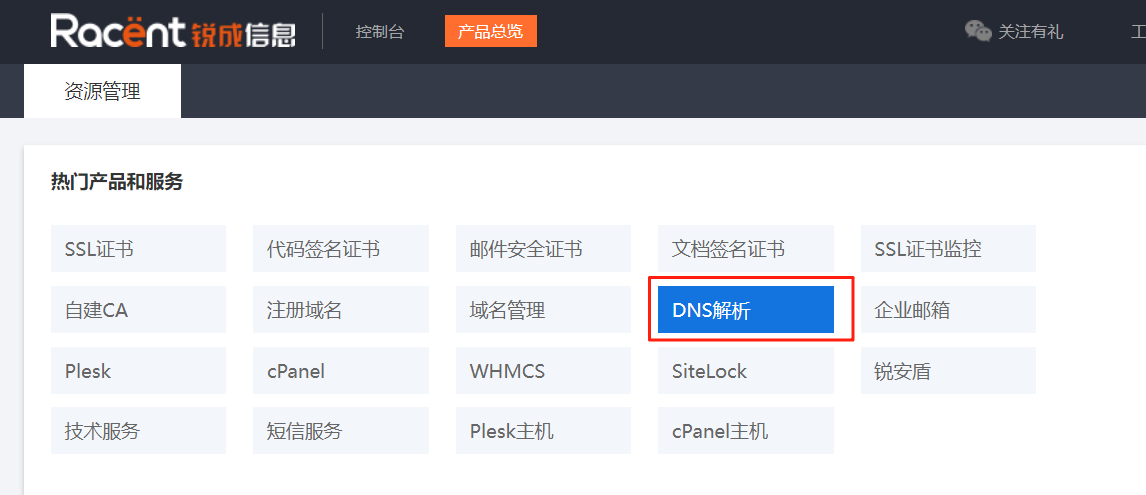
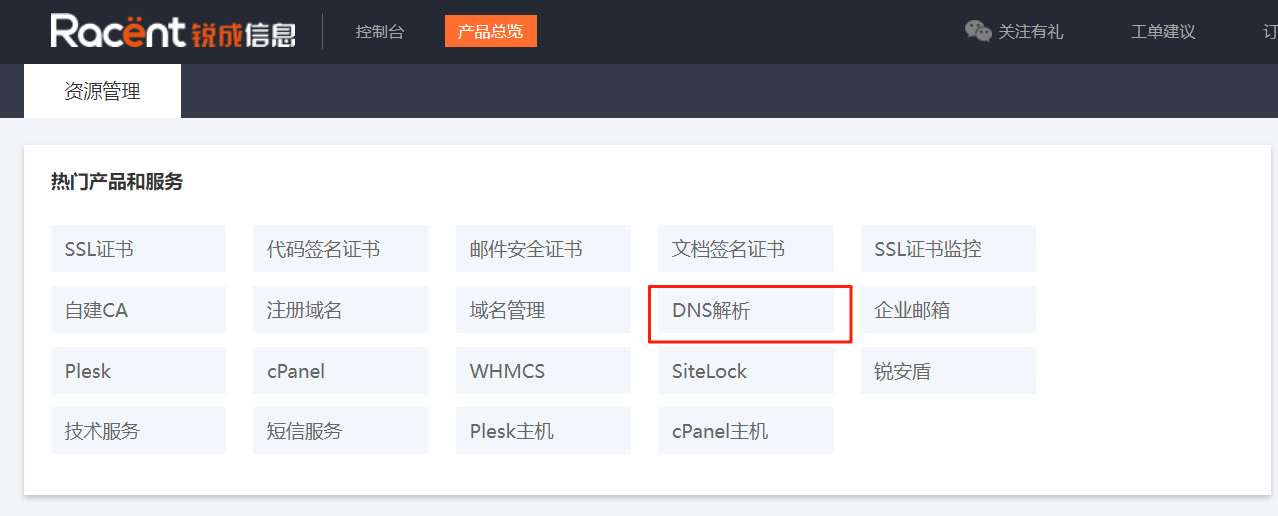
On the console page, click the DNS Resolution button to enter the DNS resolution management interface.

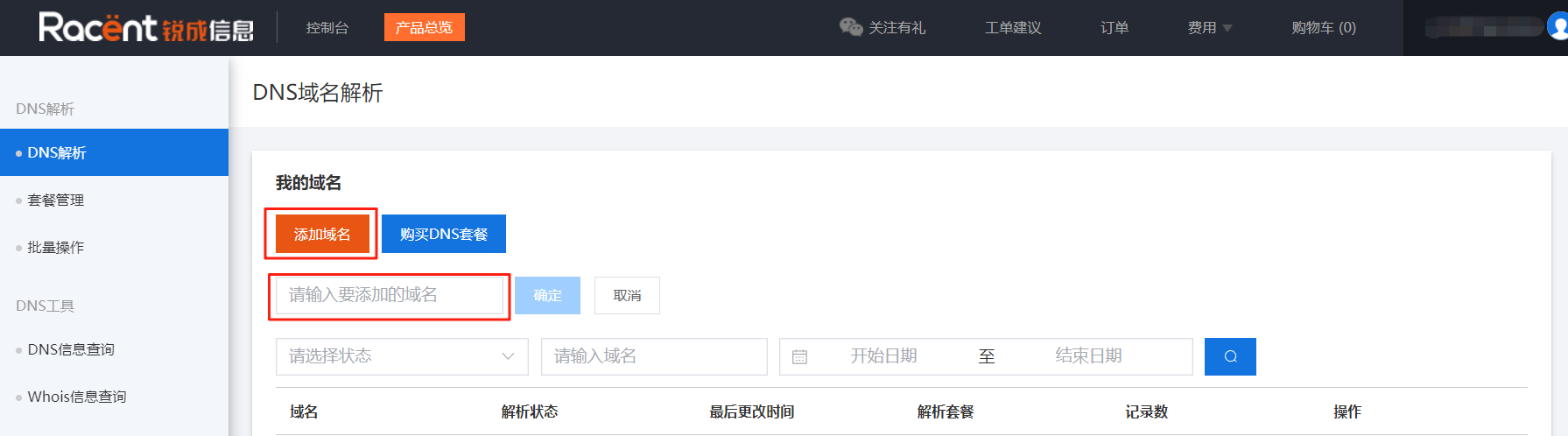
On the DNS resolution page, click the Add Domain button to add the domain for which you need to use the resolution service.

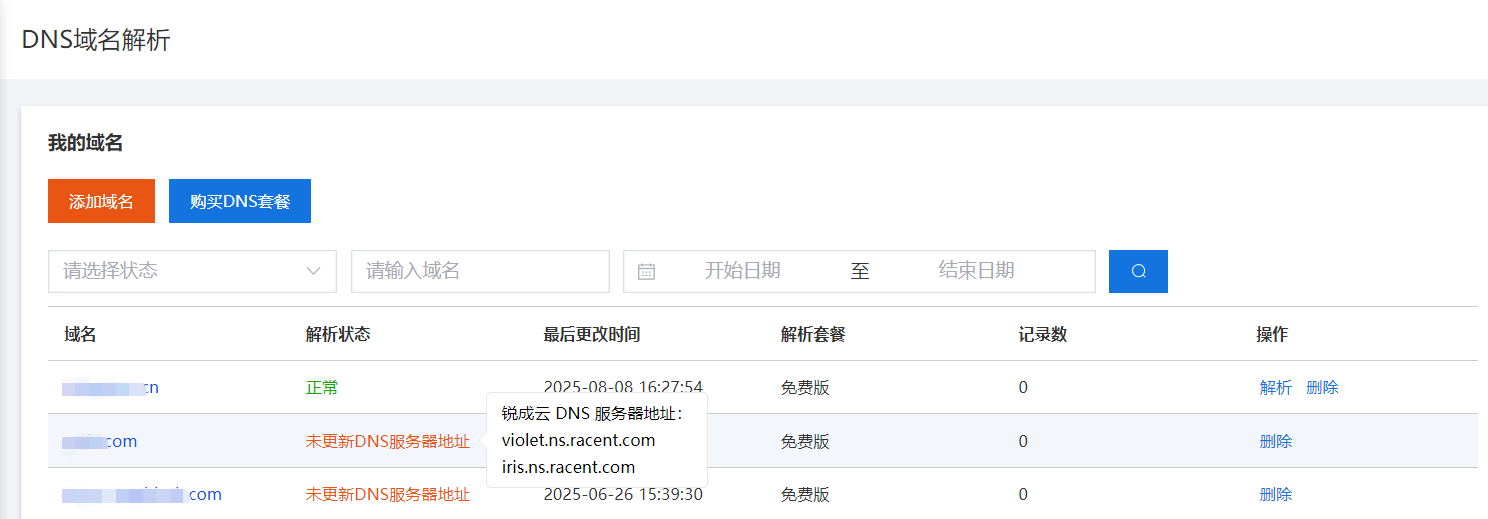
For added domains, you need to update the DNS servers on the original domain resolution platform according to the prompted DNS resolution servers. If the DNS servers are not modified, the resolution status will show as "DNS server address not updated".

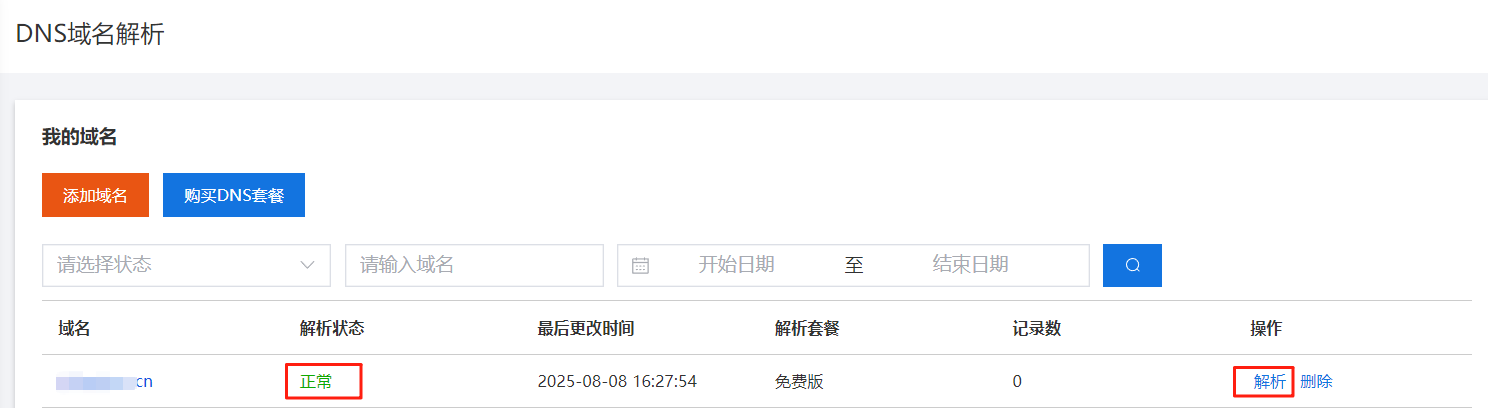
After the resolution servers are successfully updated, the resolution status will become normal. You can click the Resolution button on the right to enter the resolution interface for that domain.

The domain resolution interface is shown below:

To transfer a domain to the Racent platform and use the resolution service, refer to: Domain Transfer
After the transfer is successful, modify the DNS servers, then refer to: Using the Resolution Service for Domains Registered on the Racent Platform
Paid DNS Resolution Service
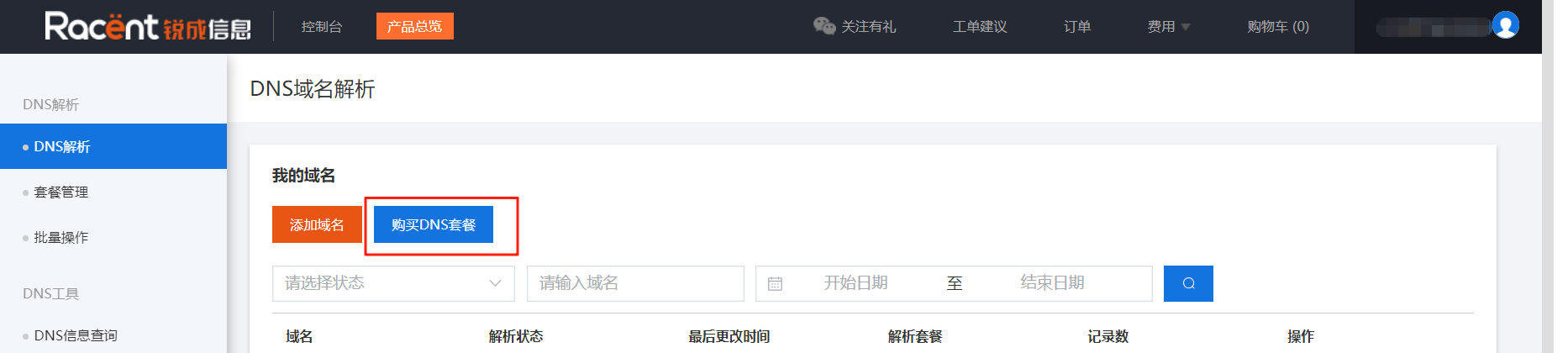
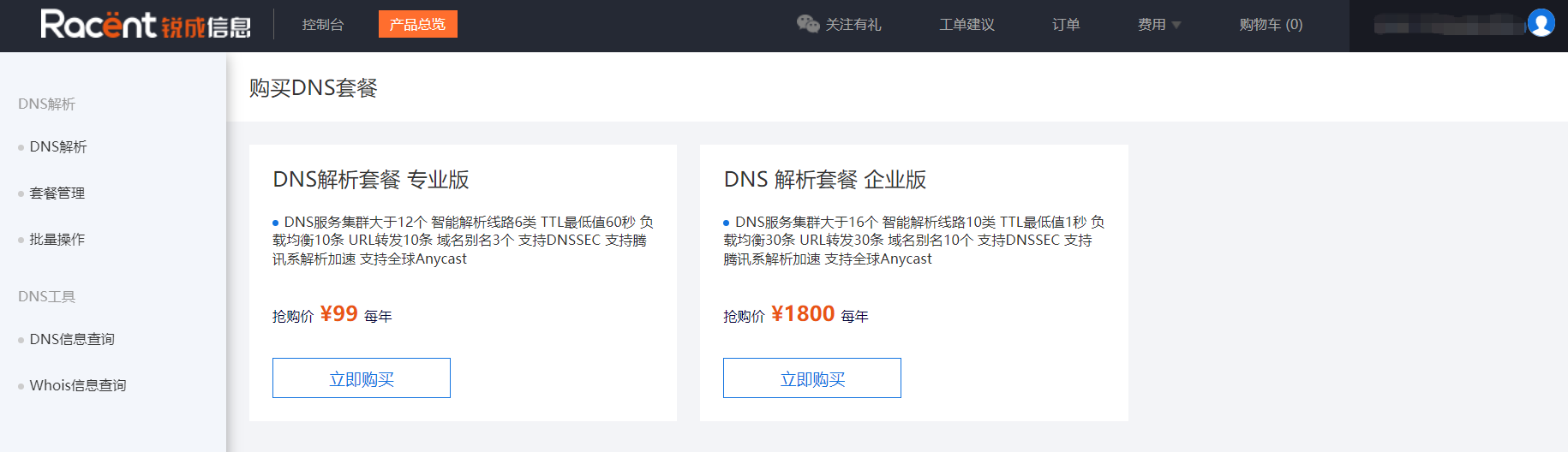
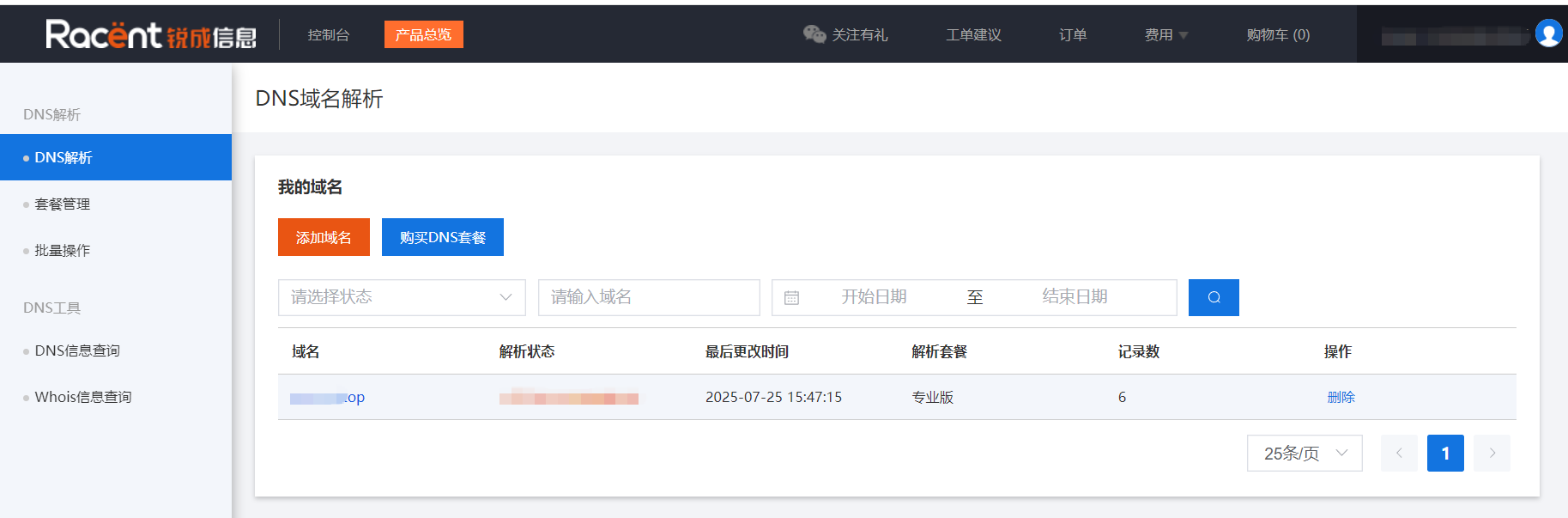
On the DNS domain resolution page, click Purchase DNS Plan to select and purchase a plan.

Professional and Enterprise DNS plans are available.

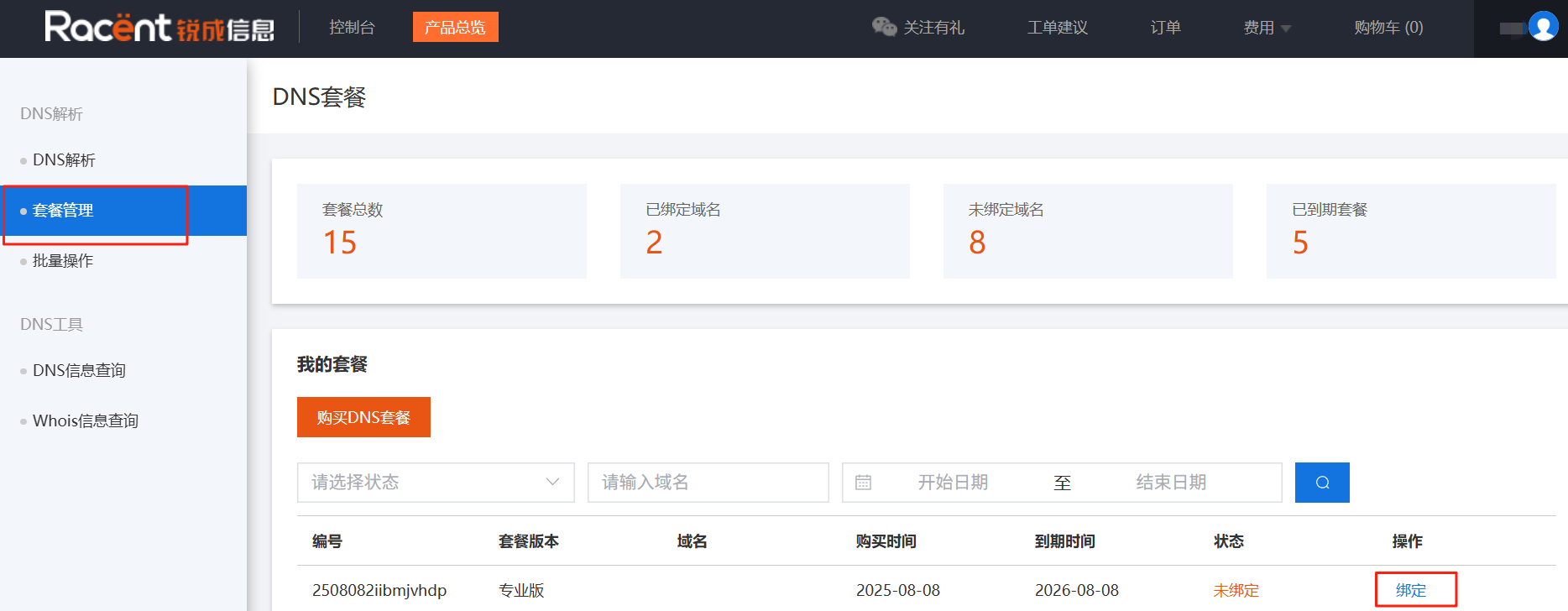
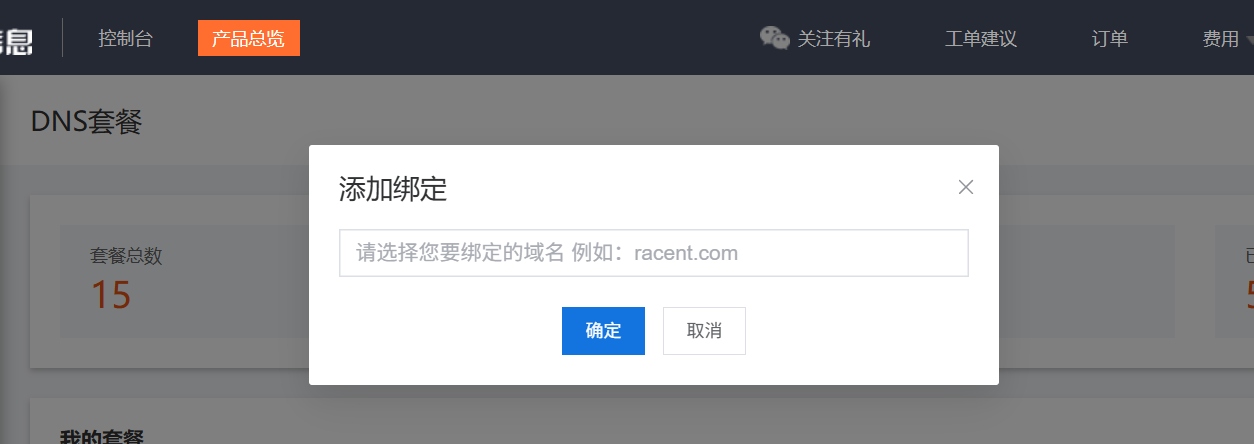
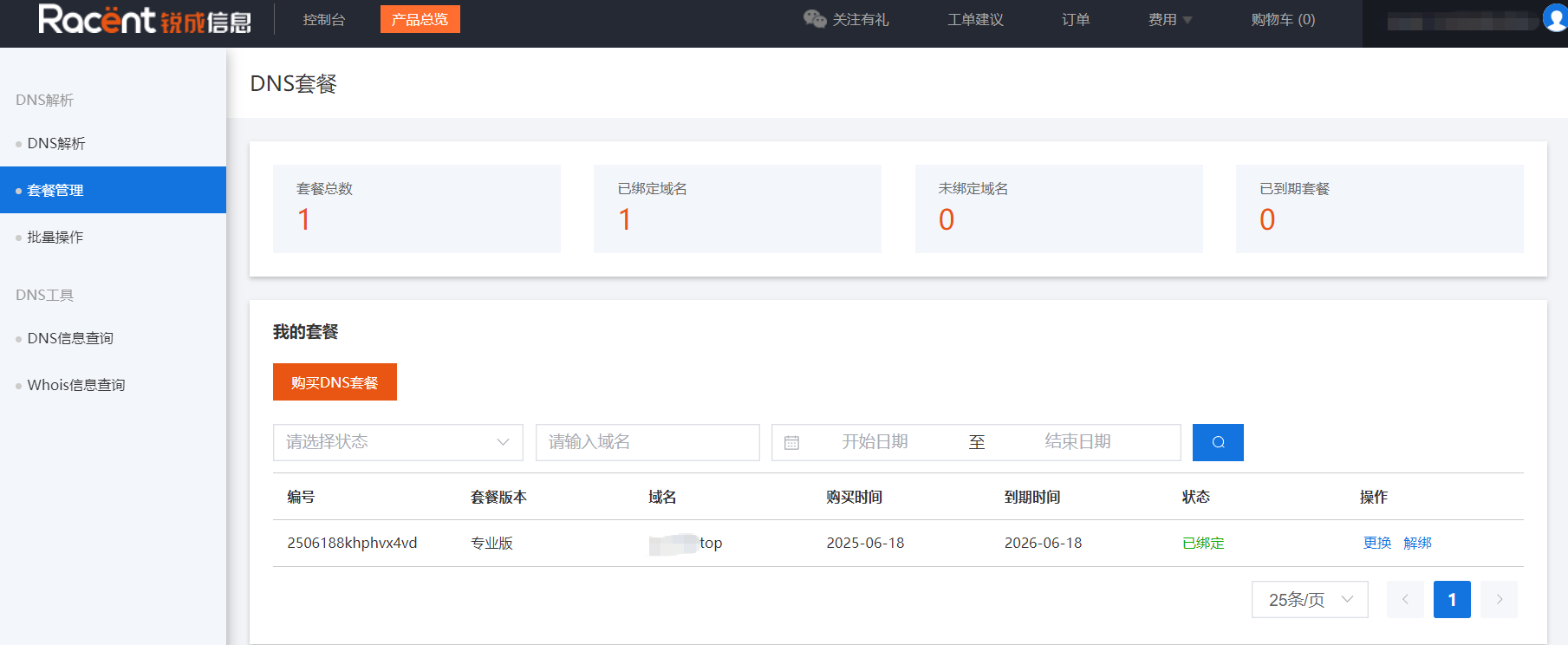
After successful purchase, view your purchased plan on the plan management page. Click the Bind button to bind a domain name.


After successful binding, the status will update to Bound, and you can Replace or Unbind the domain name.

After the domain is successfully bound, go to the DNS domain resolution page to use the domain resolution service.