Purchase sslTrus CaaS

This article describes how to purchase sslTrus CaaS in the Racent platform.


Product Purchase

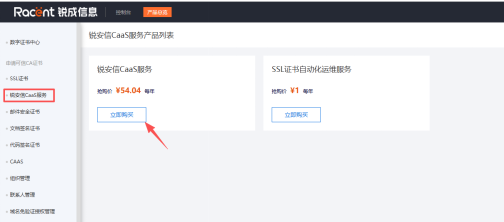
  1. Log in to the backend, go to SSL Certificate - sslTrus CaaS Service, and click Purchase

    sslTrus CaaS Purchase Guide

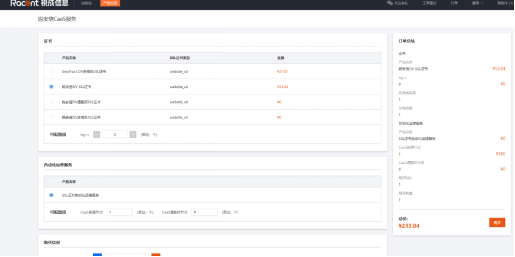
  2. Select a certificate product. Each domain name requires a separate CaaS service purchase.

    sslTrus CaaS Purchase Guide

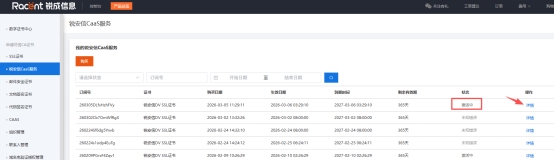
  3. In the order list, you can see that the purchased product is in Activating status. Click Details to enter the product management page.

    sslTrus CaaS Purchase Guide

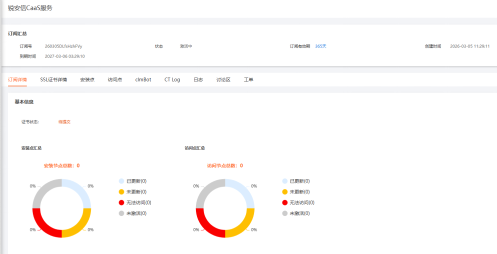
  4. In the subscription details on the product management page, you can view the certificate status and a summary of related node information. The product will be automatically activated after you submit a certificate request.

    sslTrus CaaS Purchase Guide