Request an sslTrus CaaS Certificate


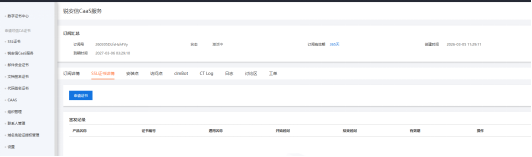
  1. Select the SSL certificate details tab, click Request Certificate, and you will enter the certificate request page.

    Request an sslTrus CaaS Certificate

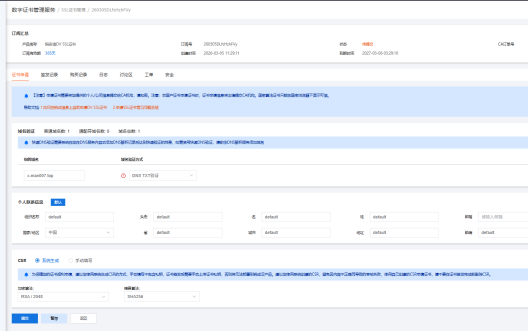
  2. Fill in the domain name, contact information and other required information as prompted, then click Submit.

    Request an sslTrus CaaS Certificate

  3. Click the subscription name to enter the certificate request details.

    Request an sslTrus CaaS Certificate

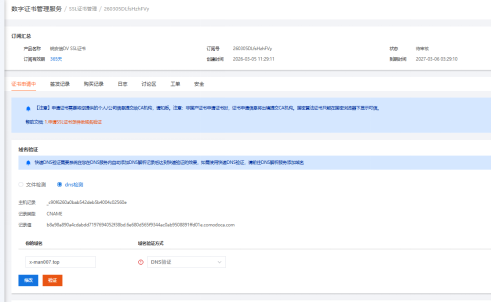
  4. Configure the Host record and Record value shown on the details page into your DNS records, and wait for the CA validation to take effect.

    Request an sslTrus CaaS Certificate Request an sslTrus CaaS Certificate

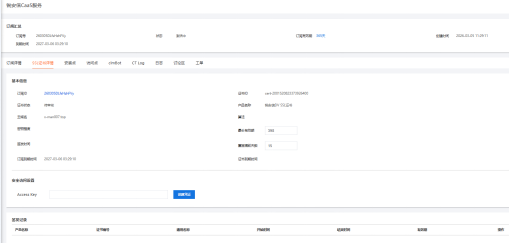
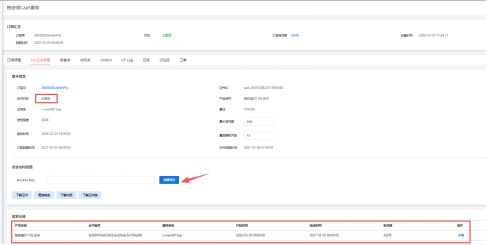
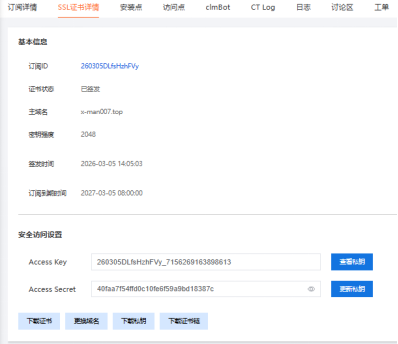
  5. After the certificate request is successful, return to the SSL certificate details page. You can see the certificate status is Issued, and the detailed information of the certificate can be viewed in the issuance records.

    Request an sslTrus CaaS Certificate

  6. Click Create Secret to generate AccessKey (this secret will be used by clmbot on the server later).

    Request an sslTrus CaaS Certificate