How to Check the Server Type
This article describes how to check the server type.
Check the Web Server Type Using Browser Developer Tools
- Access your domain name using a browser.
- Press
F12to open the developer tools, and check the server type following the guidance in the figure below.
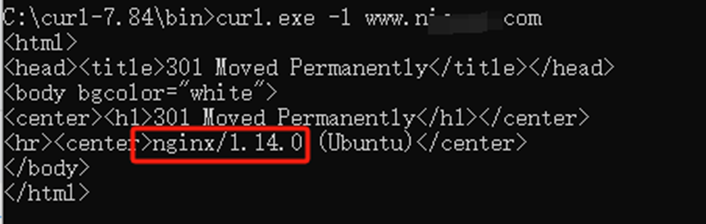
Command Line Tool curl
curl -I https://www.example.com
Notes
- Information concealment: Some servers hide version information through configurations (such as ServerTokens).
- CDN interference: If the website uses a CDN (such as Alibaba Cloud CDN), the Server header may display the CDN provider information (such as AliyunCDN).
- Coexistence of multiple services: Some complex architectures may run multiple services at the same time (such as Nginx + Tomcat), which requires analysis in combination with the context.