SSL Certificate Reissue Guide

This document describes how to reissue an issued SSL certificate.


Reasons for Reissuance

First, let's look at the reasons why an SSL certificate needs to be reissued:

  1. Multi-year certificates

    • Reason: When you place a multi-year SSL certificate order for the first time, you need to reissue the certificate after the first year's certificate expires to avoid certificate expiration.
    • Action: Reissue the certificate within 1 month before expiration to ensure timely certificate replacement and seamless transition.
  2. Security incidents

    • Private key compromise: If the private key is compromised (e.g., due to a server breach), you must immediately revoke the old certificate and reissue a new one.
    • Certificate revocation: When a CA revokes a certificate due to security vulnerabilities or non-compliance, you need to reissue the certificate.
  3. Information changes

    • Domain name changes: Changing the primary domain name or adding subdomains (reissue is required when the original certificate does not support the change).
    • Organization information changes: Changes to company name, address, etc. (which affect the information displayed on OV/EV certificates).
    Note
    • GeoTrust OV SSL certificate (International version) does not support changing the organization name.
    • GeoTrust OV SSL certificate supports changing the organization name (the organization name on the current order is: A; the change is allowed only if Company A is the former name of Company B).
  4. Technology upgrades

    • Encryption standard upgrades: For example, upgrading from SHA-1 to SHA-256, or adding support for more secure TLS protocols.
    • Key strengthening: Upgrading the RSA key length from 2048 bits to 4096 bits, which requires replacing the CSR at the time of submission.
  5. Compliance and remediation

    • Security vulnerability remediation: For example, replacing affected certificates after the Heartbleed vulnerability.
    • Compliance requirements: Mandatory certificate updates to comply with new industry standards (such as PCI DSS).
Note
  • Seamless transition: Keep the old certificate before deploying the new one to avoid service interruption.
  • Verify configuration: Check whether the HTTPS service works properly after the update.
  • Monitoring and alerts: Set up certificate expiration alerts to avoid expiry issues.

Below is the detailed instruction on how to reissue an SSL certificate in the system backend:

Operation Steps

Log in to your account

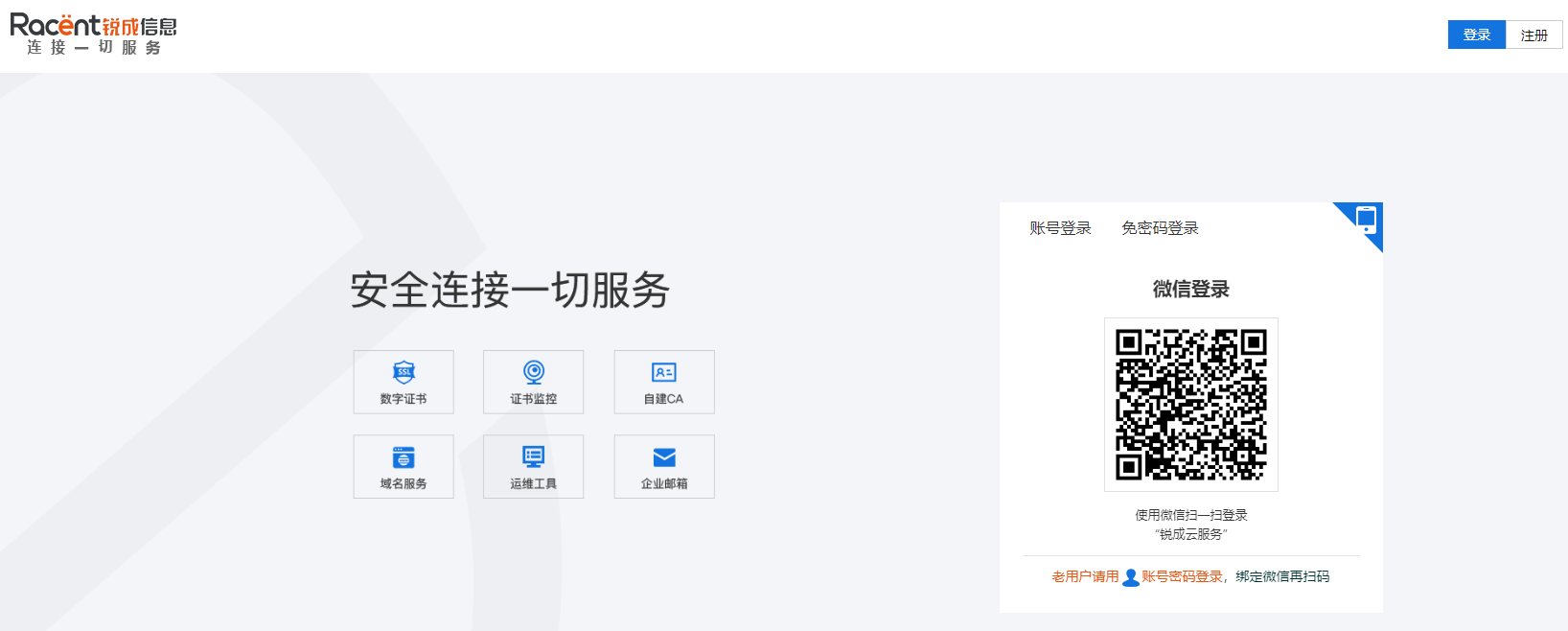
  1. Go to https://www.racent.com/ Racent official website

  2. Click Log In, as shown in the figure

    buysslstepbystep

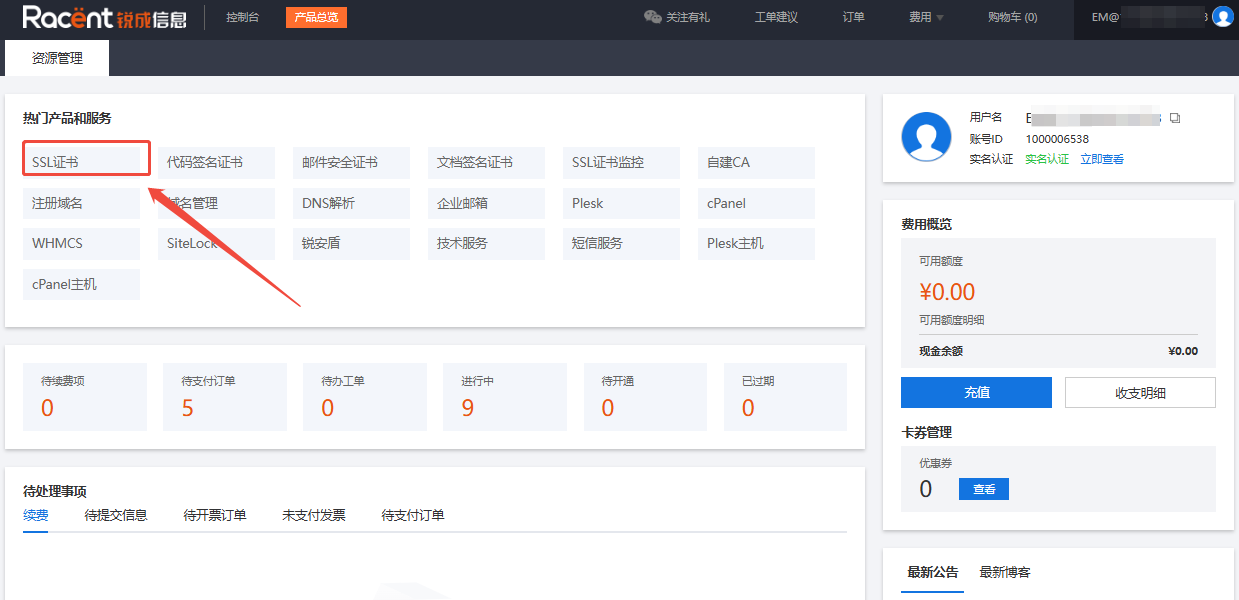
  3. After logging in to your account and entering the Racent console, click the SSL Certificate option in the upper left corner

    buysslstepbystep


Select the certificate order

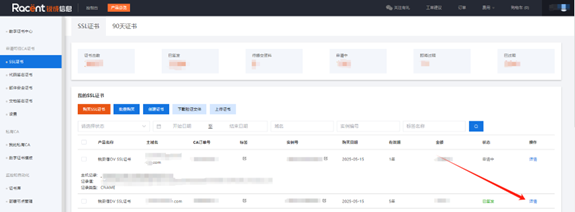
  1. In the SSL certificate list, select the issued SSL certificate that needs to be reissued

  2. Click the Details option behind the order

    buysslstepbystep


Reissue the certificate

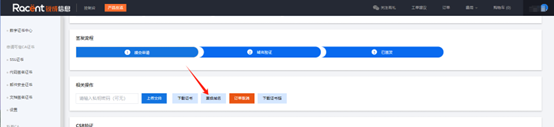
  1. After entering the certificate details, click the Change Domain option

    buysslstepbystep

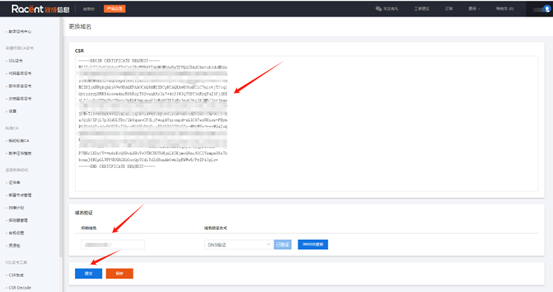
  2. If there is no change to the domain name, and you only need algorithm change or only need to generate a new certificate, you can directly click the Submit option

    buysslstepbystep

    Tip

    If the domain name or organization name changes, please refer to the change rules: Can I change the domain name when reissuing an SSL certificate within its validity period


If you have any questions, please contact customer service for assistance.