SSL Certificate Revocation Guide
This document mainly introduces how to revoke an issued SSL certificate.
Log in to your account
-
Enter
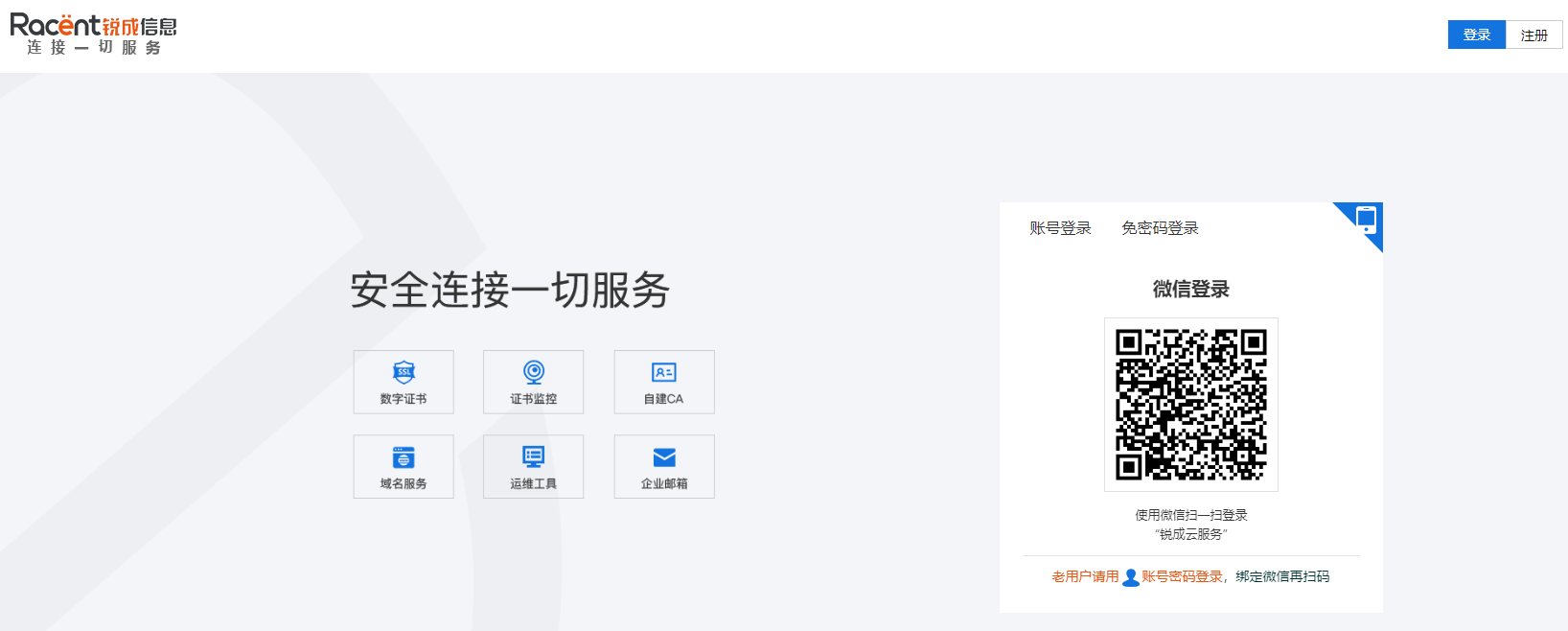
https://www.racent.com/Racent official website -
Click Log In, as shown in the figure:

-
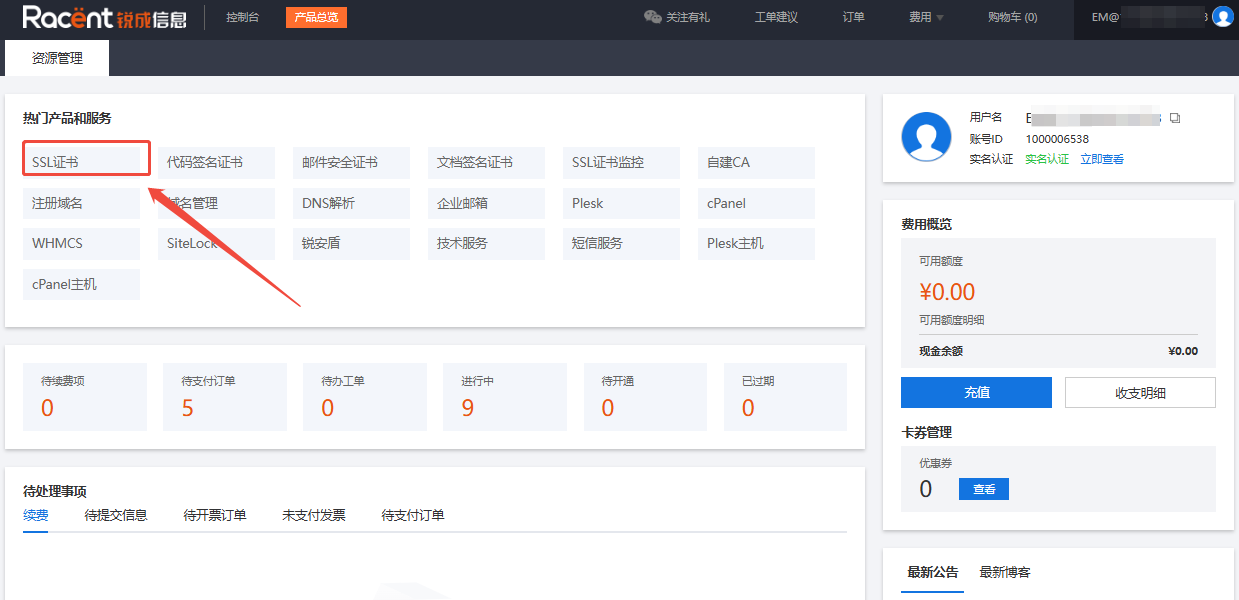
After logging in to your account and entering the Racent console, click the SSL Certificate option in the top left corner.

Select the certificate order
-
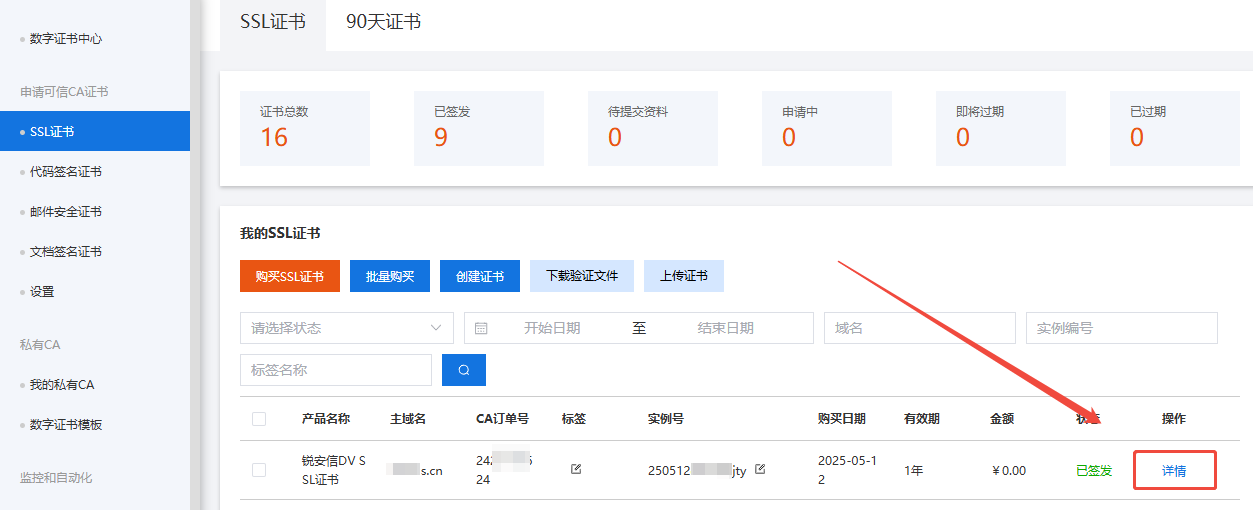
Locate the certificate order that needs to be revoked.
-
Click the Details option behind this order.

Revoke the certificate
-
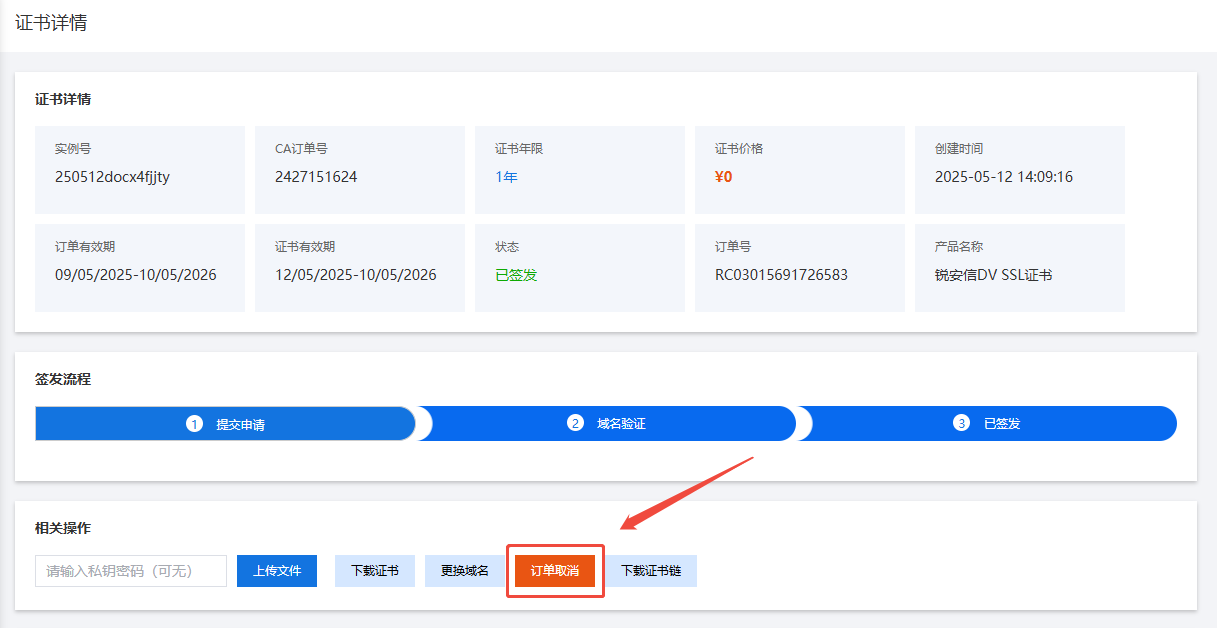
After entering the certificate details page, click the "Cancel Order" option.
NoticeCannot find the "Cancel Order" option?
The order has exceeded the free refund period: SSL certificates of different brands have different refund period rules. When the free refund revocation period has expired, the order cannot be cancelled self-servicedly.
If you need to continue revoking the certificate, please contact manual customer service to revoke it. Certificates beyond the refund period cannot be refunded, but can only be revoked.
For the specific refund policy period and revocation processing steps, please refer to "SSL Certificate Refund Policy Instructions"
-
After clicking Cancel Order, the certificate will be revoked.