Remote Code Signing Service Tool Download
sslTrus Remote Code Signing Tool Download Page: https://pccs.ssltrus.cn/oss-code-sign-client/index.html
This article mainly introduces how to download the sslTrus remote code signing tool after the code signing certificate is issued.
Racent Console
Log In to Your Account
-
Enter
https://www.racent.com/Racent Official Website -
Click Log In as shown in the figure below (if you do not have an account, please register first)

Download the sslTrus Remote Code Signing Tool
-
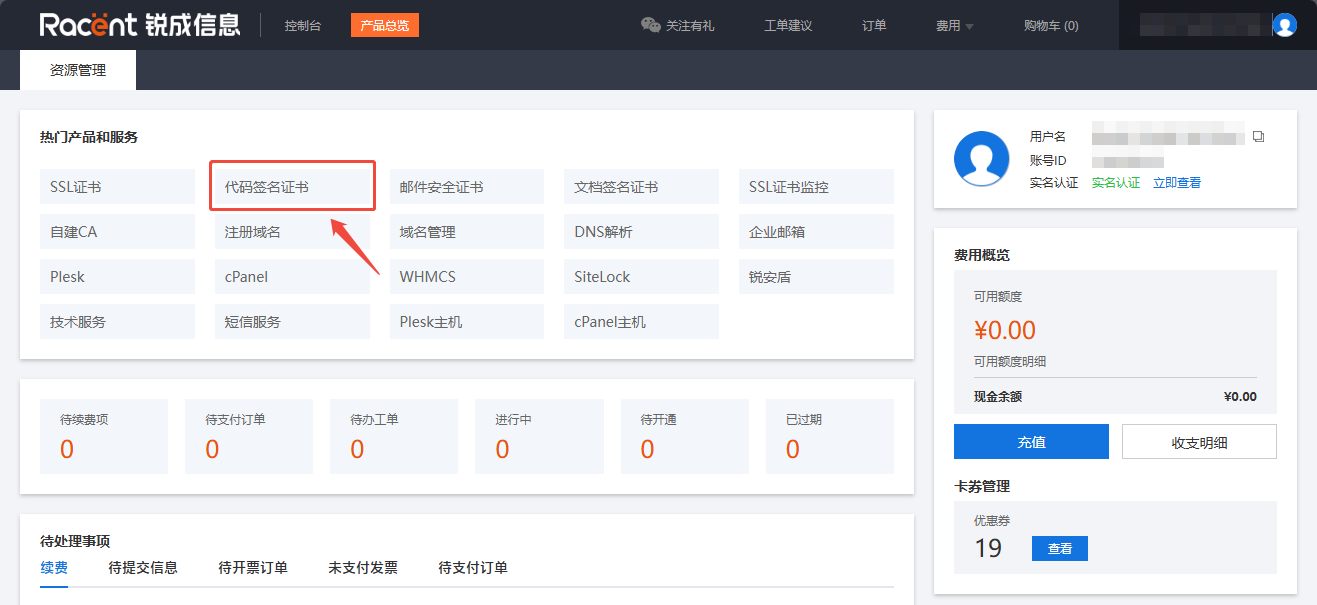
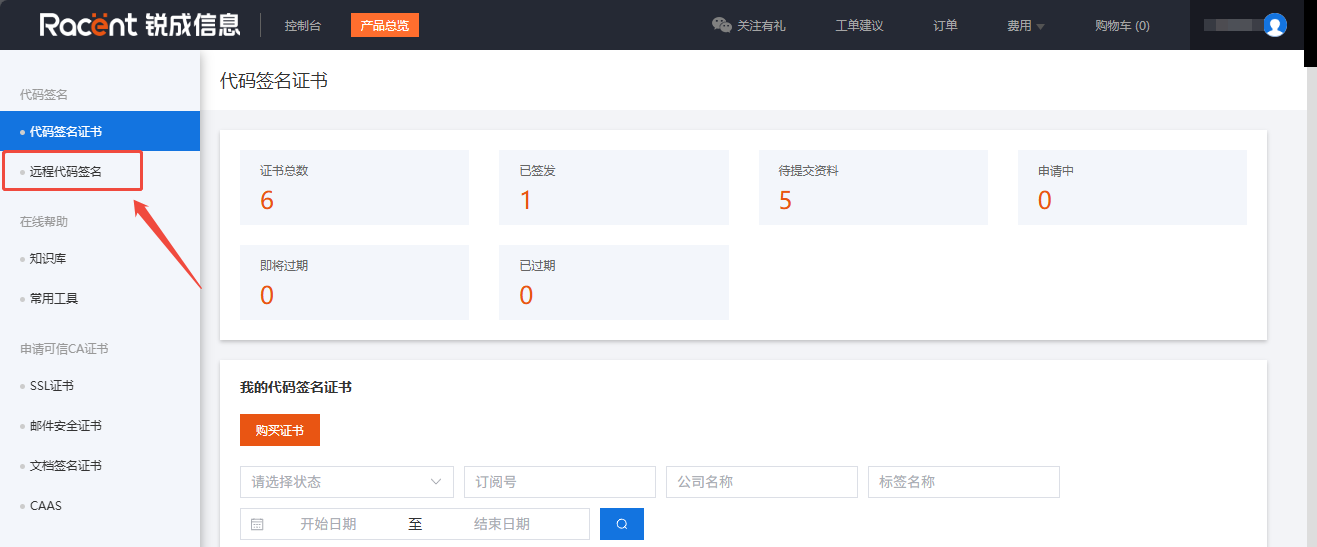
After logging in, enter the Racent console and click the Remote Code Signing option in the upper left corner.

-
Locate an issued remote code signing certificate, click the Details option on the right to enter the certificate details page.

-
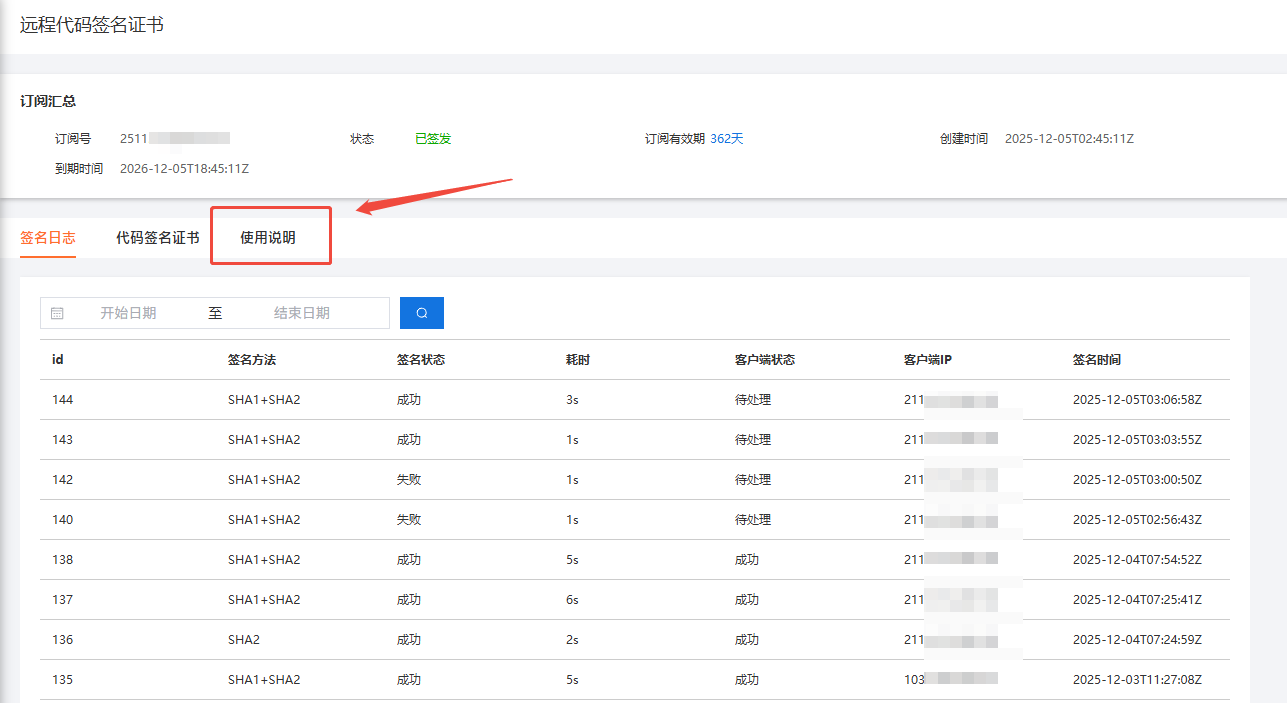
After entering the code signing details page, click the Instructions option.

-
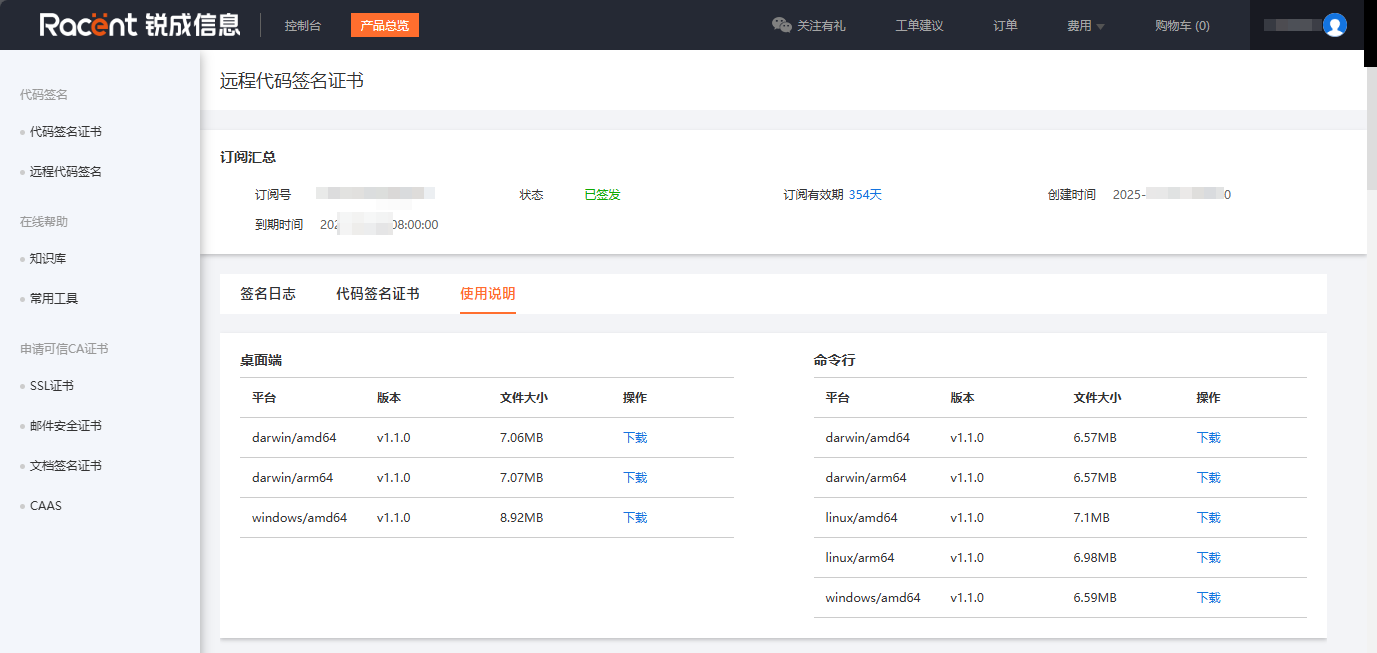
After entering the Instructions page, you can see the download method for the tool. Click Download to get it.

- MacOS If the app cannot be opened after installation on MacOS, with an error indicating it is untrusted or has been moved to Trash, run the following command before launching it again:
xattr -rd com.apple.quarantine /Applications/SSLTrusCodeSign.app - Windows If certain
dllfiles are missing, this means theVC++ Runtimedependency is required. Please install it on your own:https://aka.ms/vc14/vc_redist.x64.exe