Query Remote Code Signing Records
Racent's remote code signing service provides a complete signing record query function. Users can view the historical records of all code signing operations in real time, including signing time, encryption algorithm, and operation status, which meets the needs of enterprise security audit and compliance traceability, and realizes transparent management of the code signing lifecycle.
There are two ways to query signing history records:
- One is to query via Racent's code signing tool.
- The other is to query via Racent Middle Platform.
sslTrus Code Signing Tool
Open the Tool
-
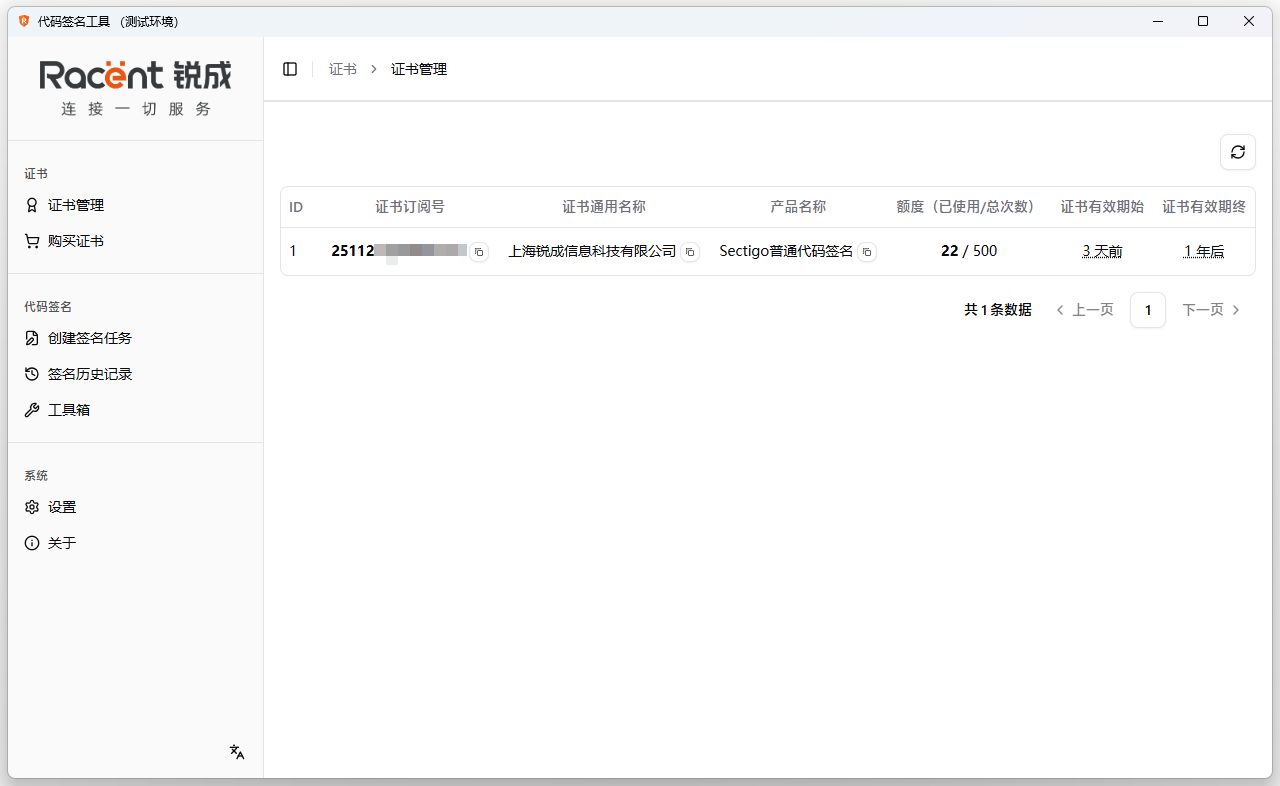
To query signing history records via the sslTrus remote code signing tool, double-click to open the sslTrus code signing tool.

Query Signing History Records
-
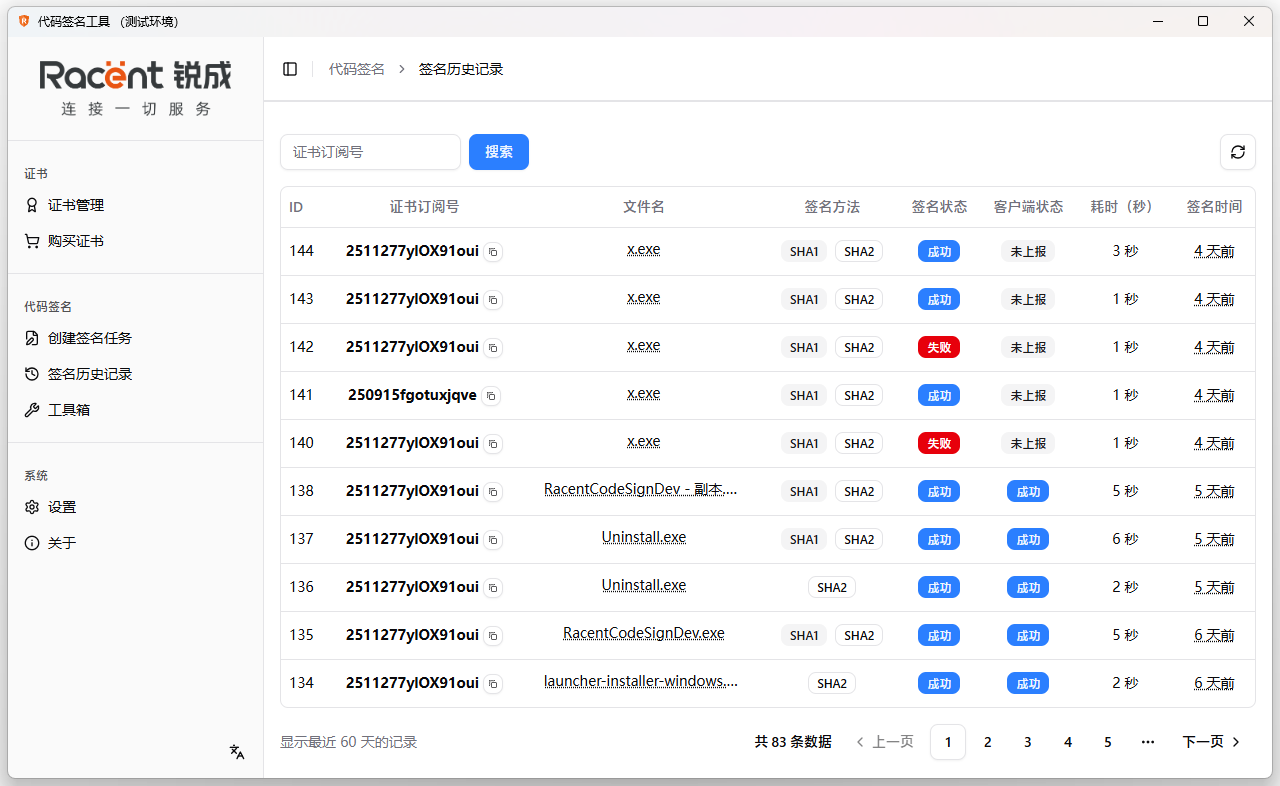
Click the Signing History option on the left.

-
Enter the signing history page, where you can view the certificate subscription ID, file name, signature algorithm, signature status, time taken, and signing date of the signatures.

Racent Middle Platform
Log In to Your Account
-
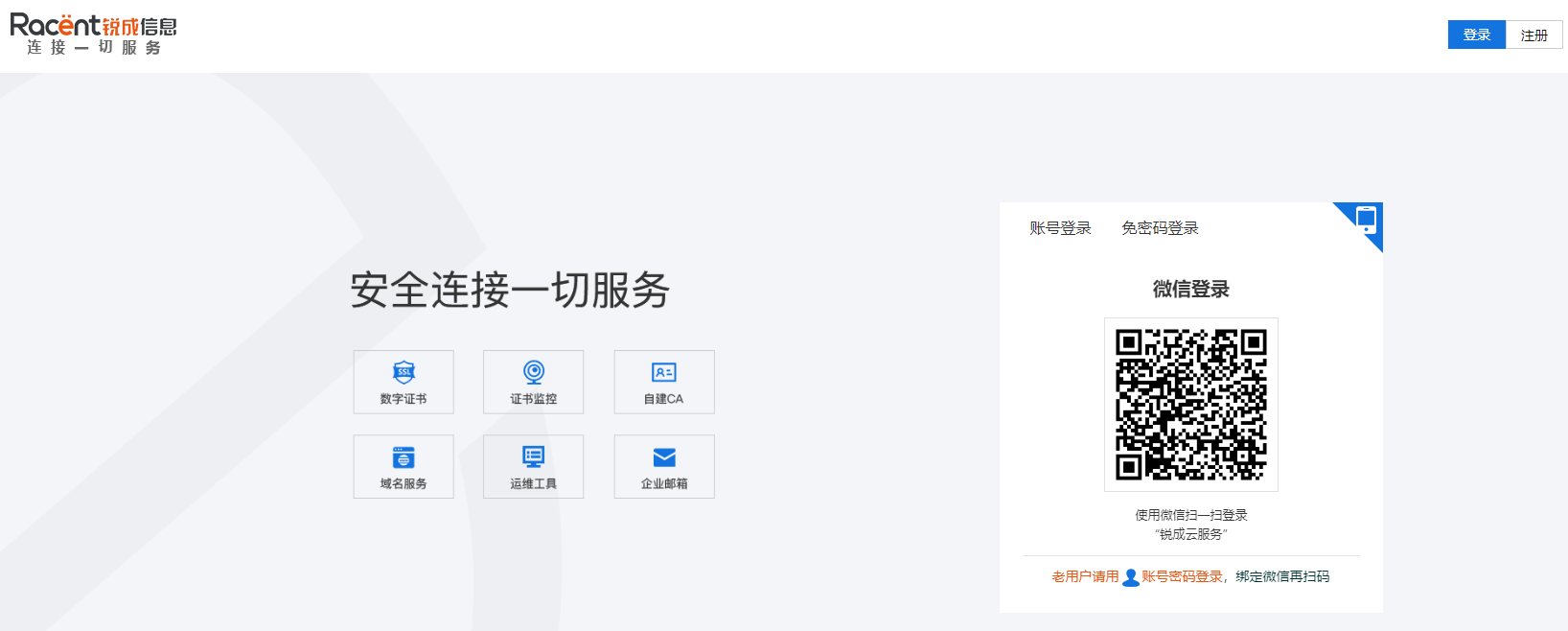
Enter
https://www.racent.com/Racent official website -
Click Login as shown in the figure (if you do not have an account, please register first)

Query Signing History Records
-
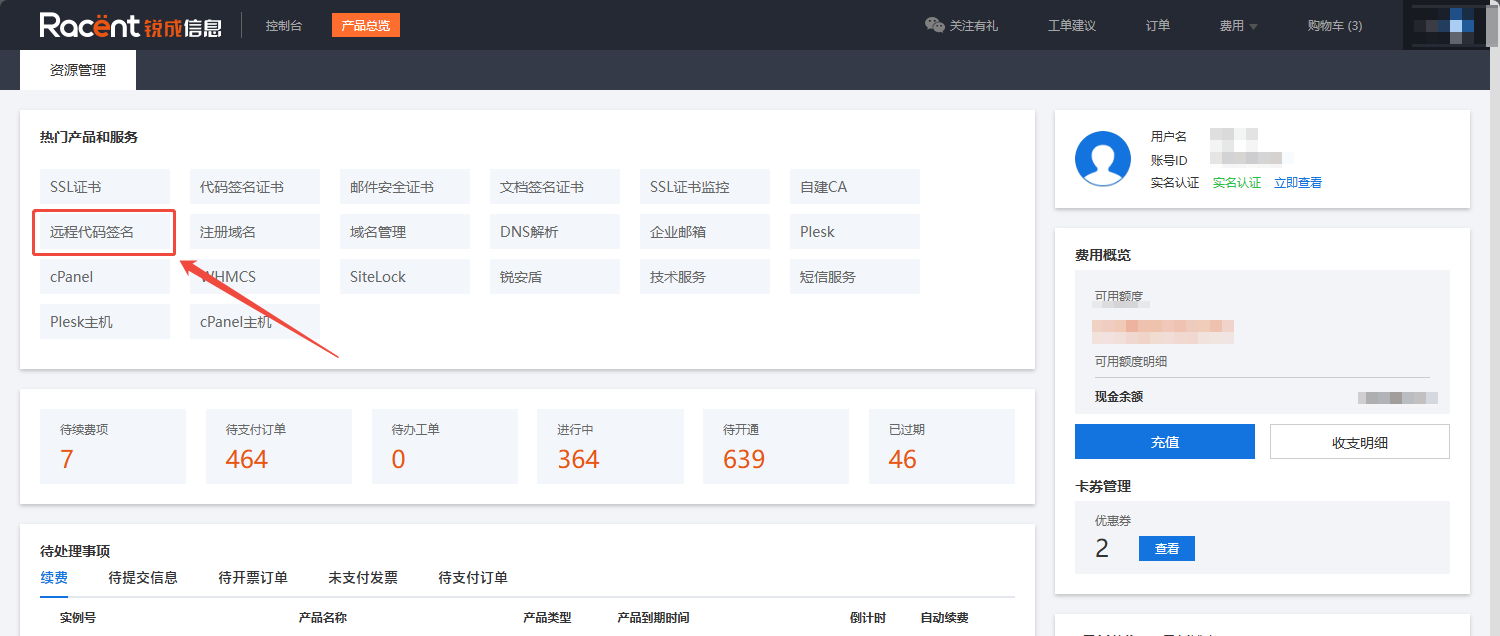
To query signing history records via the Racent Middle Platform, click the Remote Code Signing option.

-
Find the certificate for which you need to query historical signing records, click the Details option on the right to enter the details page of this certificate.

-
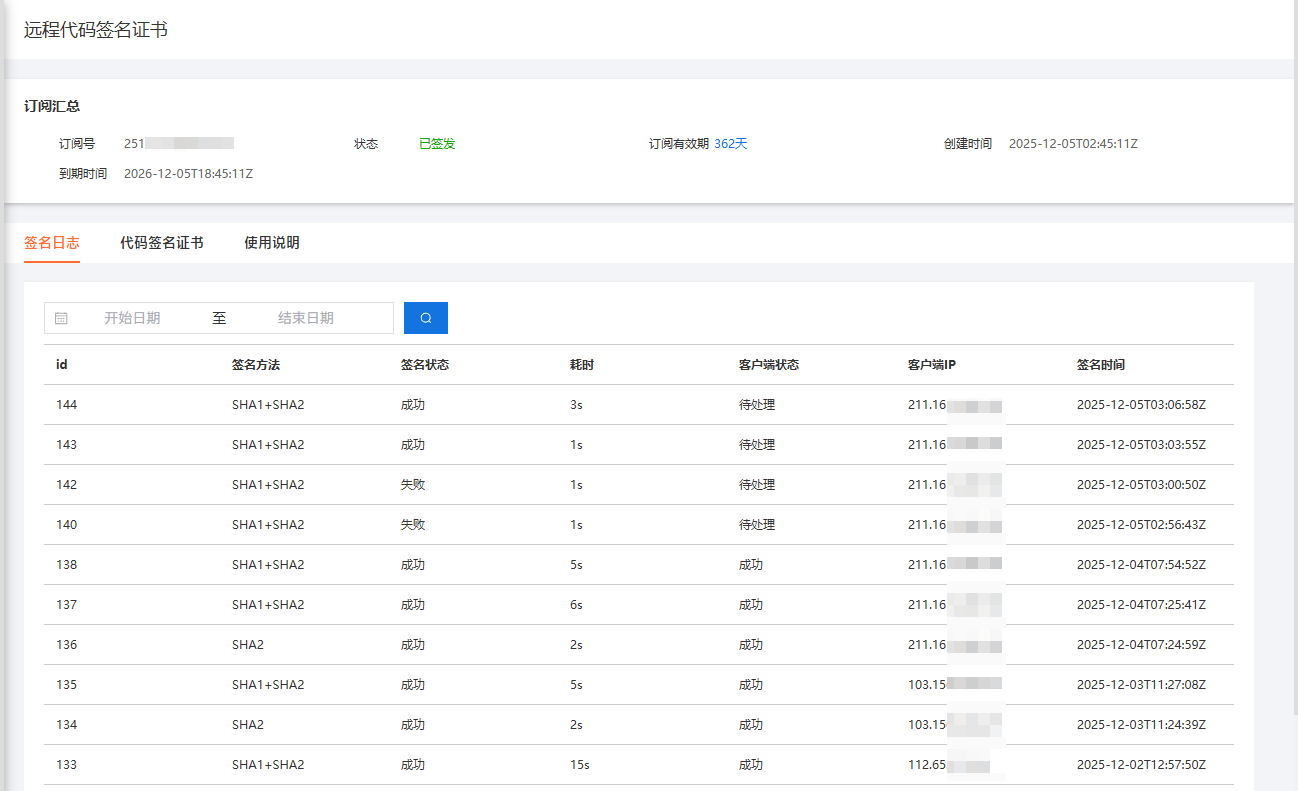
You will enter the signing history page, where you can view the certificate subscription ID, signature algorithm, signature status, time consumed, client status, and signing date of the signature.