Purchase Remote Code Signing Service
This article describes how to purchase a remote code signing service in the Racent platform.
Log In to Your Account
-
Go to the
https://www.racent.com/Racent official website -
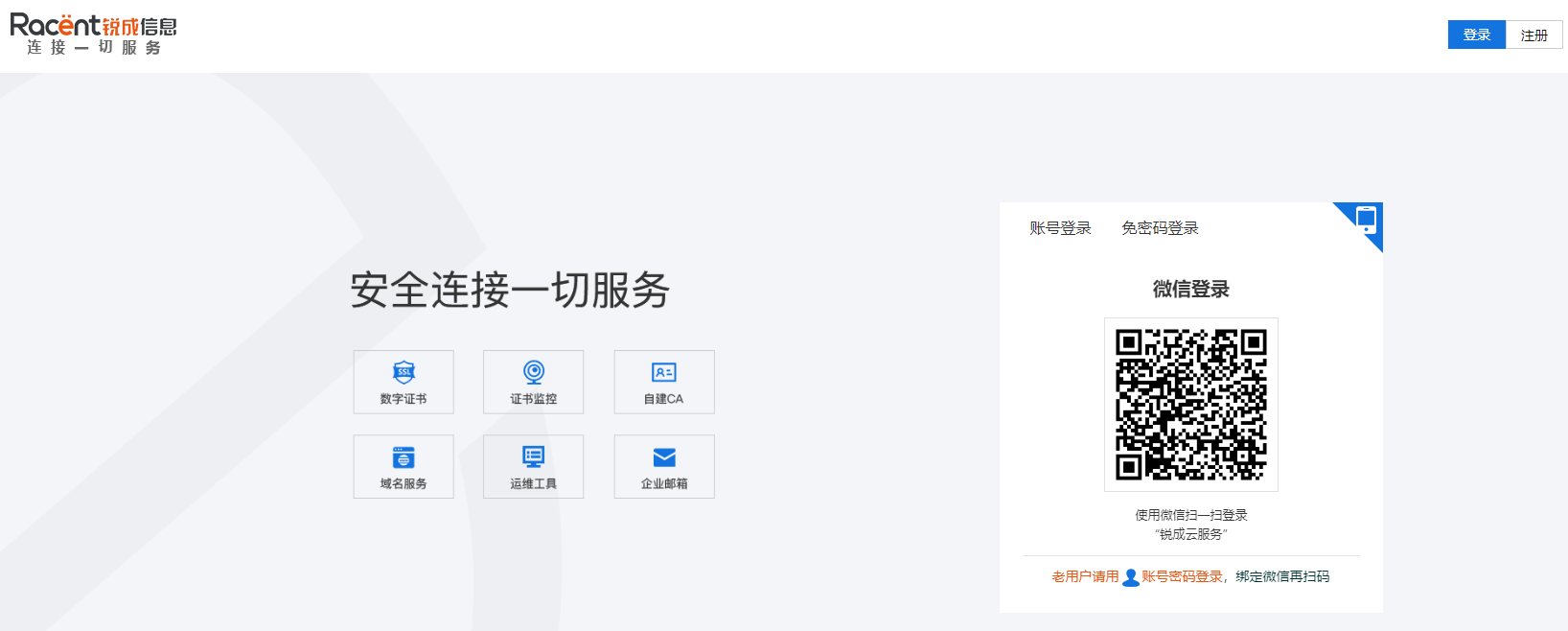
Click Log In as shown in the image (if you do not have an account, please register first)

Remote Code Signing Page
-
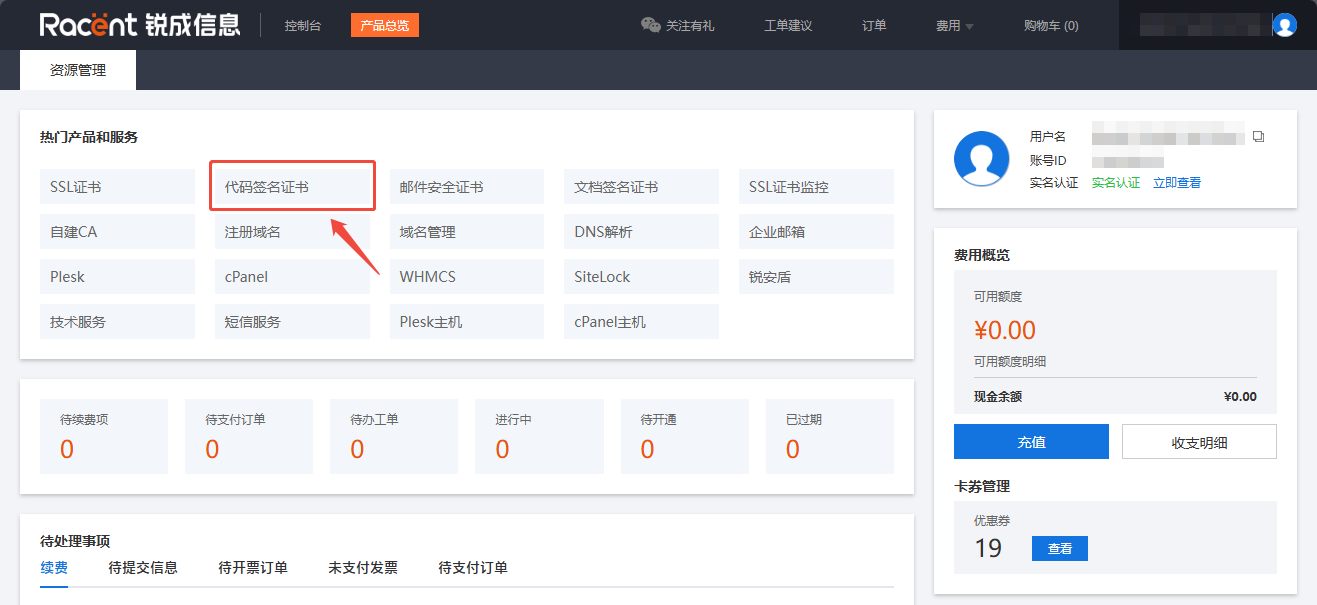
After logging in to your account and entering the Racent console, click the Code Signing Certificate option in the top left corner.

-
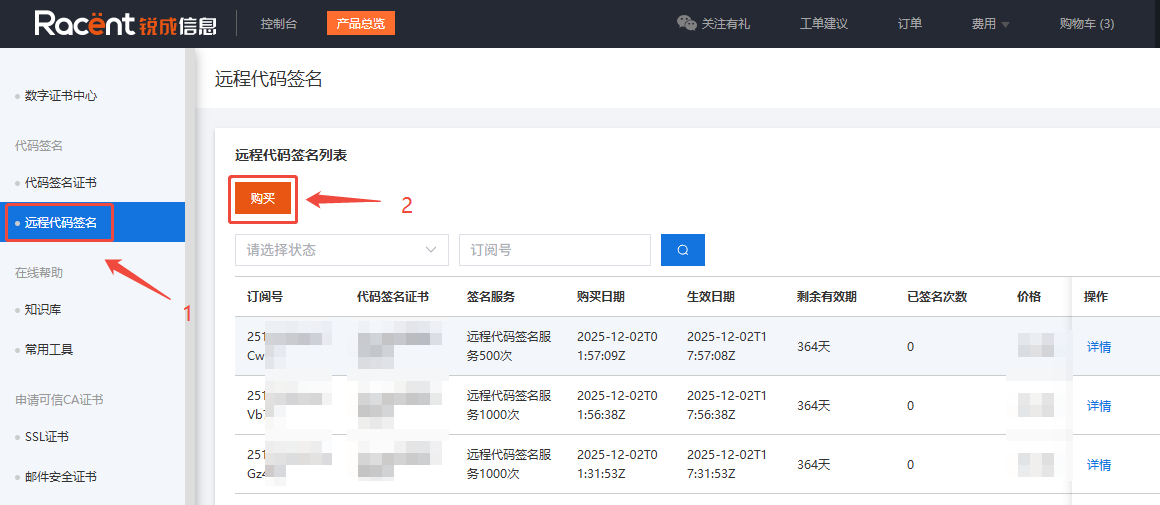
Under Code Signing in the top left corner, click Remote Code Signing to enter the remote code signing list page, then click Purchase.
The price of the remote code signing service starts as low as CNY 500 per year.

-
On the remote code signing purchase page, you can filter the required SSL certificate by encryption standard, certificate brand, and certificate type.
Select the Remote Code Signing Service
-
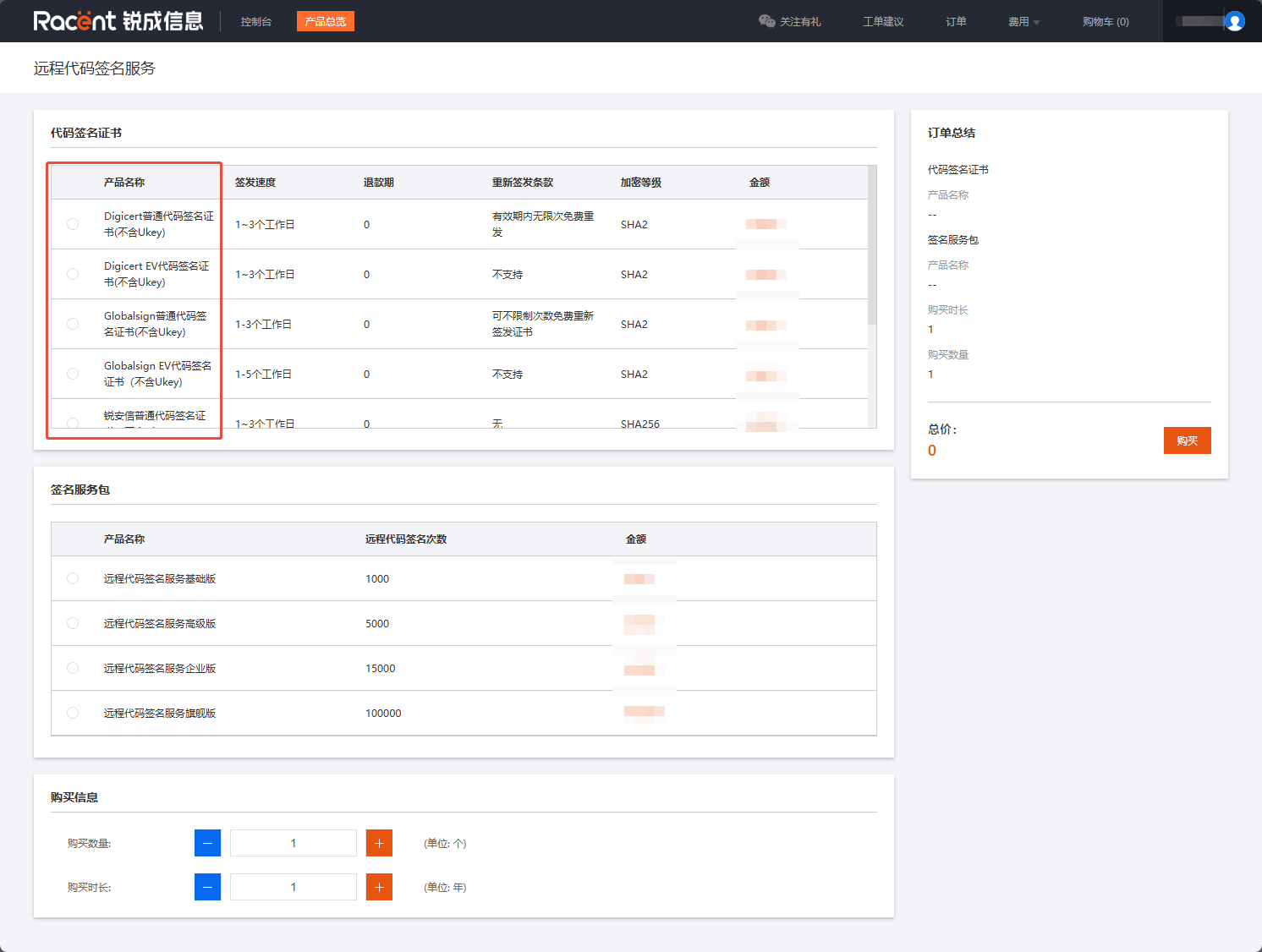
On the remote code signing purchase page, select code signing. You can choose the certificate based on brand, issuance period, issuance speed, encryption level, and other factors.

-
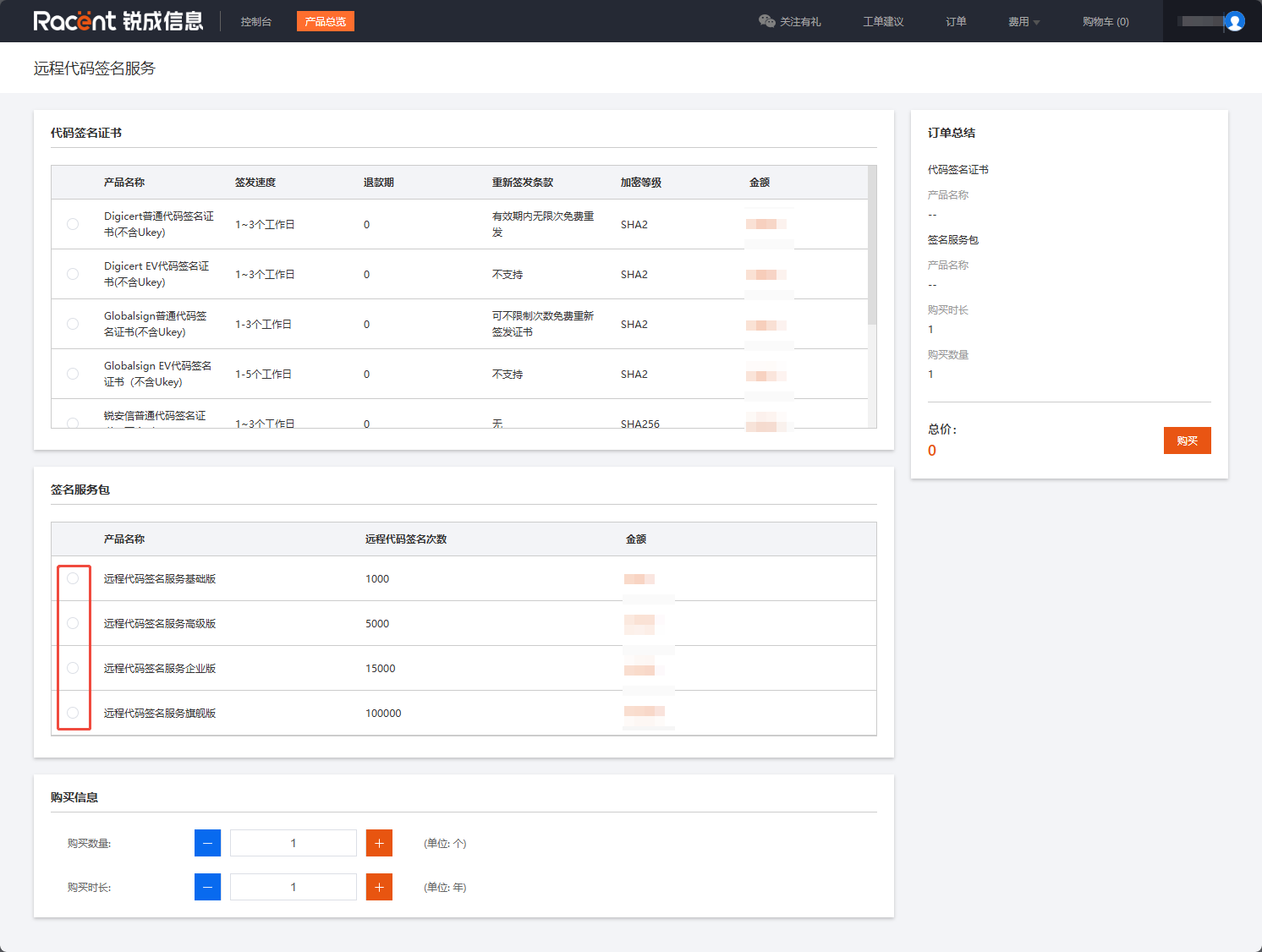
In the signing service package, you can select the number of signatures for the remote code signing service, which represents the total number of times you can sign during the validity period starting from the effective date of this remote code signing.
Example: If I select 1000 here, I can only use this certificate to sign 1000 times from the effective time after certificate issuance until the certificate expires.

-
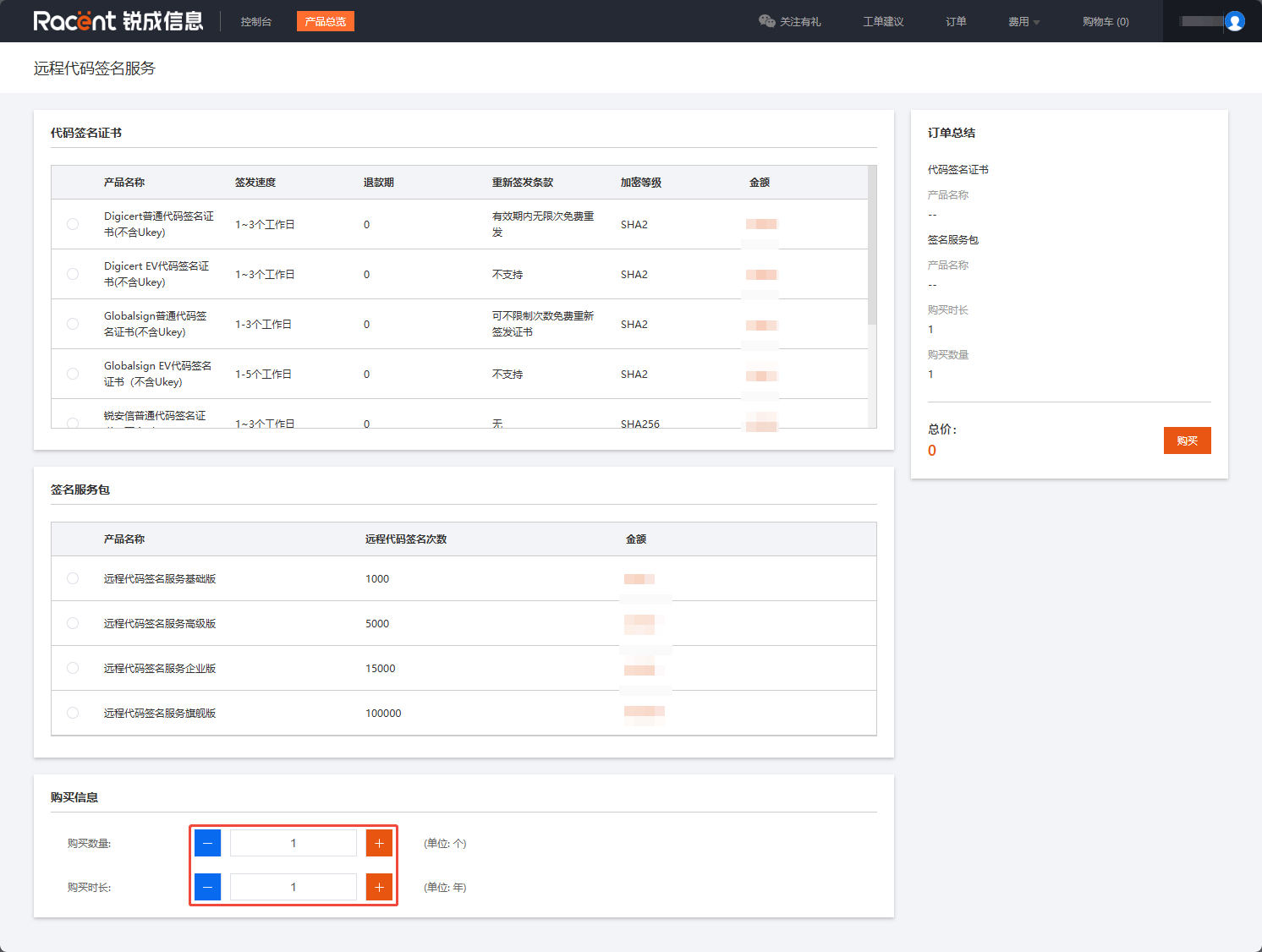
On the purchase page, you can select the purchase quantity and duration.
InformationSome remote code signing services only support a one-year purchase duration.

-
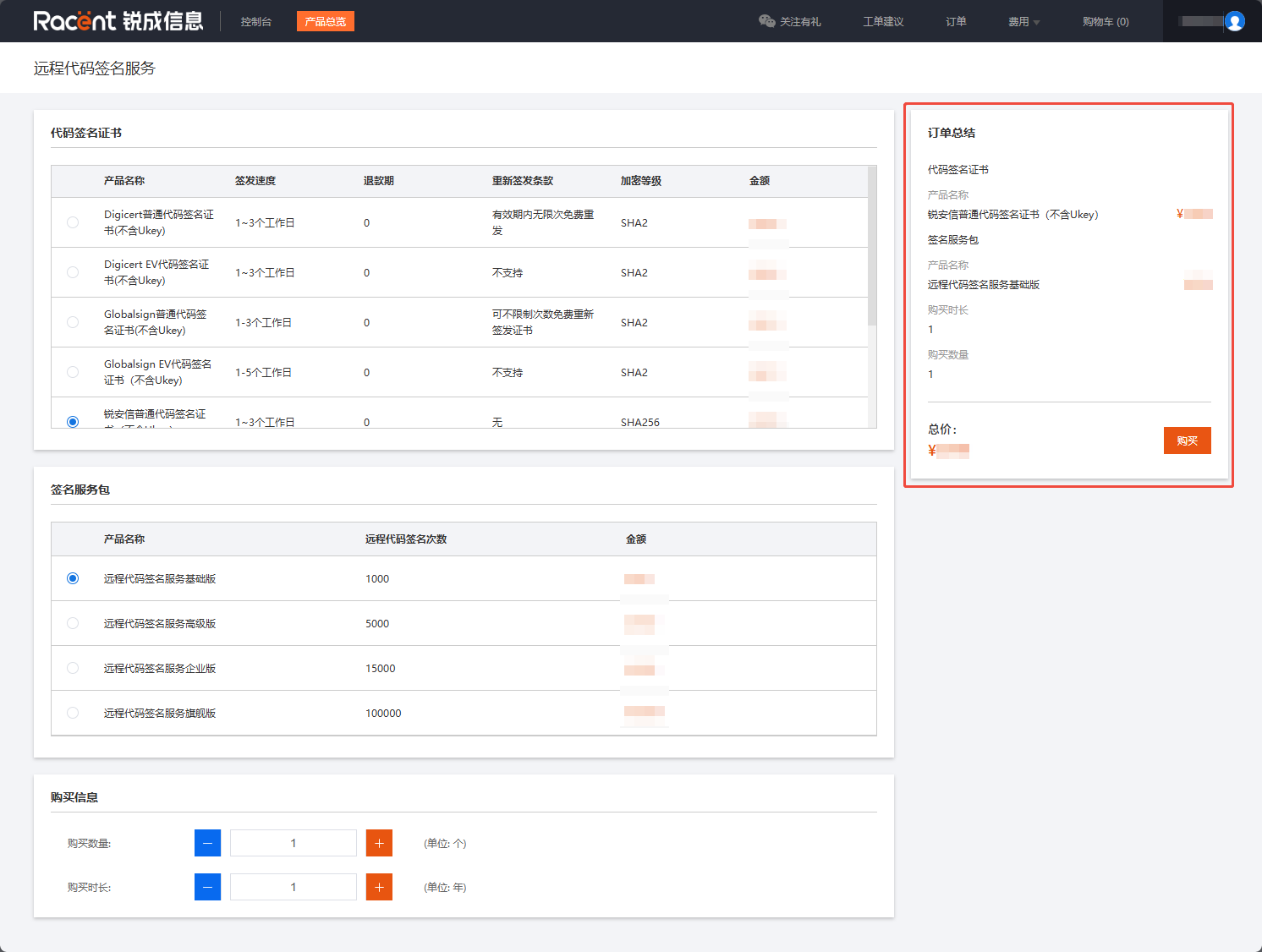
After selecting the product brand, number of signatures, and quantity in order, the total price will be displayed in the order summary. Then click Purchase to enter the payment page.
TipIf you need to purchase other products, you can Add to Cart the products you want, and pay for all of them together after you have finished selecting all products.
Select a payment method and pay
-
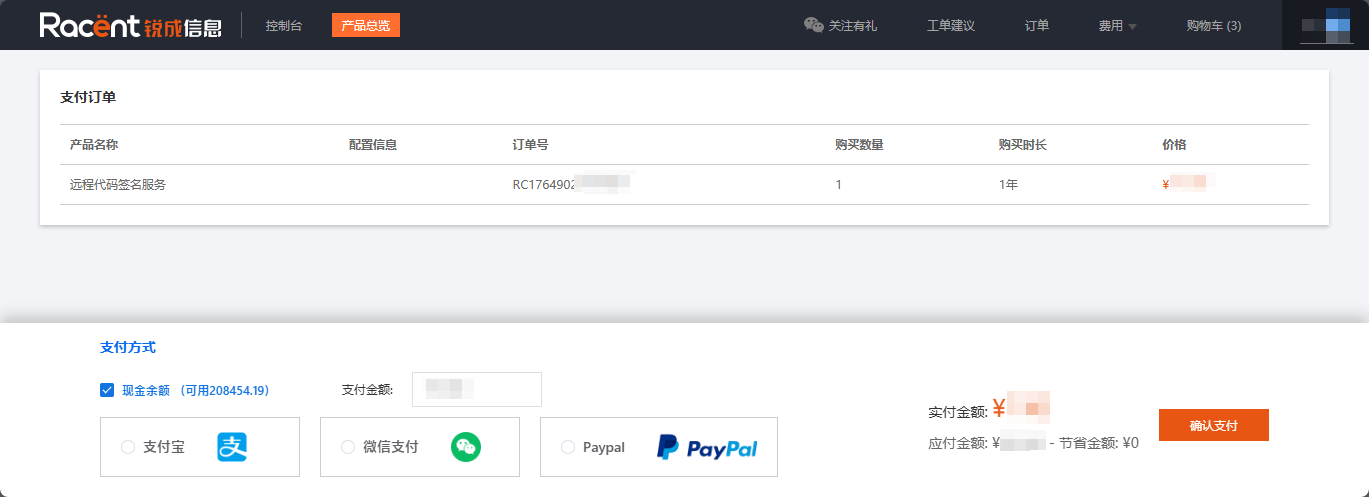
After entering the payment page, check whether the product information required for the order is correct.

-
Select a payment method below, choose to pay with balance/WeChat Pay/Alipay, etc.

-
After making your selection, click the Confirm Payment option on the right