SSL Certificate Reissuance Guide
This document will explain how to re-sign an issued SSL certificate.
If the certificate has entered the Pending Re-issuance status (domain unchanged, certificate re-issuance only), you can follow the 《Certificate Pending Re-issuance Operation Guide》 directly.
Reasons for Re-issuance
First, let's understand the reasons why you need to re-issue an SSL certificate:
-
Multi-year certificates
- Reason: When submitting the first order for a multi-year SSL certificate, a re-issuance is required after the first year's certificate expires to prevent the certificate from expiring.
- Action: Re-issue within 1 month before expiration to ensure timely certificate replacement and a seamless transition.
-
Security incidents
- Private key leakage: If the private key is compromised (e.g., due to a server breach), the old certificate must be revoked immediately, and a re-issuance is required.
- Certificate revocation: When the CA revokes a certificate due to security vulnerabilities or violations, the certificate must be re-issued.
-
Information changes
- Domain changes: Changing the primary domain or adding subdomains (requires re-issuance if the existing certificate does not support them).
- Organization information changes: Changes to company name, address, etc. (these affect the information displayed on OV/EV certificates).
Note- GeoTrust OV SSL certificates (International version) do not support changing the organization name.
- GeoTrust OV SSL certificates support changing the organization name (the current order's organization name is A; this is only possible if Company A was a former name of Company B).
- SAN list changes: Adding or removing Subject Alternative Names (e.g., adding new subdomains requires updating the certificate).
- For details, refer to this article: Can a re-issuance during the validity period of an SSL certificate change the domain
-
Technical upgrades
- Encryption standard upgrades: E.g., upgrading from SHA-1 to SHA-256 or supporting more secure TLS protocols.
- Key strengthening: Upgrading the RSA key length from 2048 bits to 4096 bits requires submitting a new CSR.
-
Compliance and remediation
- Security vulnerability remediation: E.g., replacing affected certificates after vulnerabilities like Heartbleed.
- Compliance requirements: Mandatory certificate updates to comply with new industry standards (e.g., PCI DSS).
- Seamless transition: Keep the old certificate before deploying the new one to avoid service interruptions.
- Verify configuration: After the update, check that the HTTPS service is functioning properly.
- Monitoring alerts: Set up certificate expiration reminders to avoid expiration issues.
Below is a detailed guide on how to perform an SSL certificate re-issuance in the system backend:
The operation steps are as follows
Logging in to Your Account
-
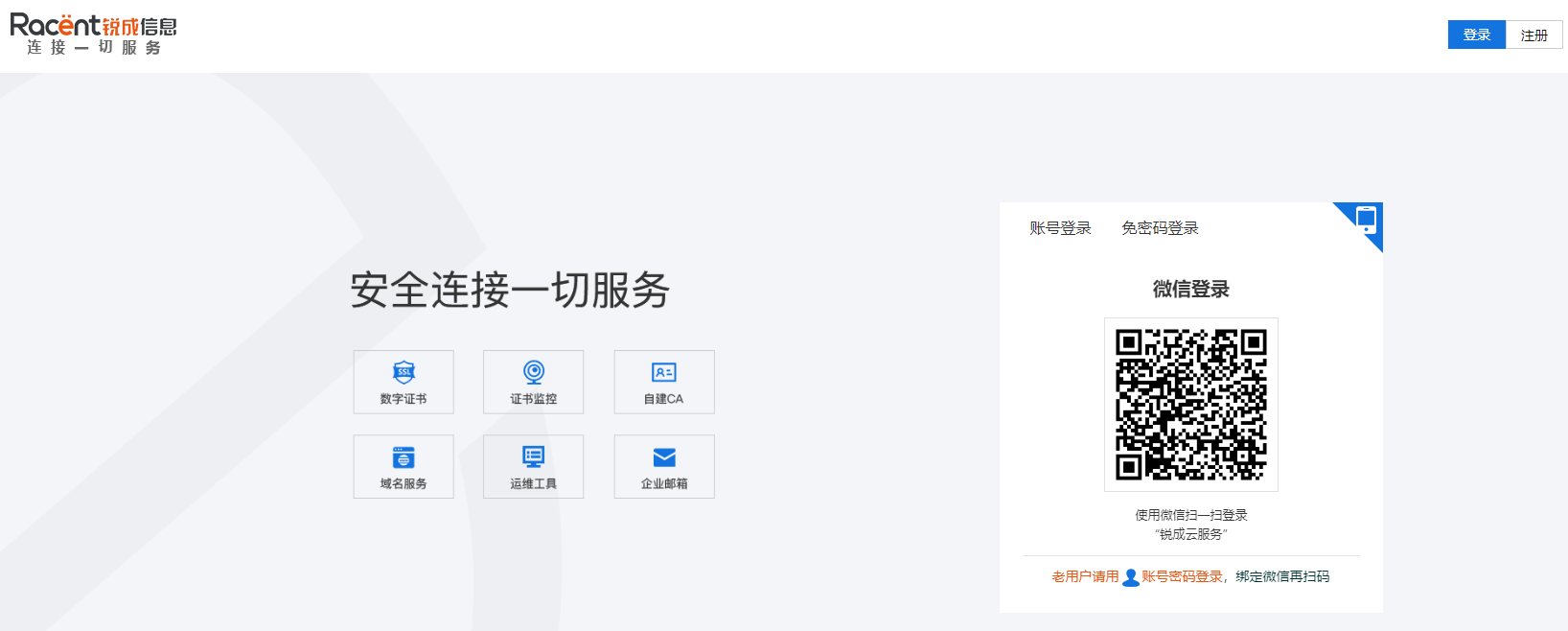
Enter
https://www.racent.com/on the Racent official website -
Click "Login" as shown in the image
-
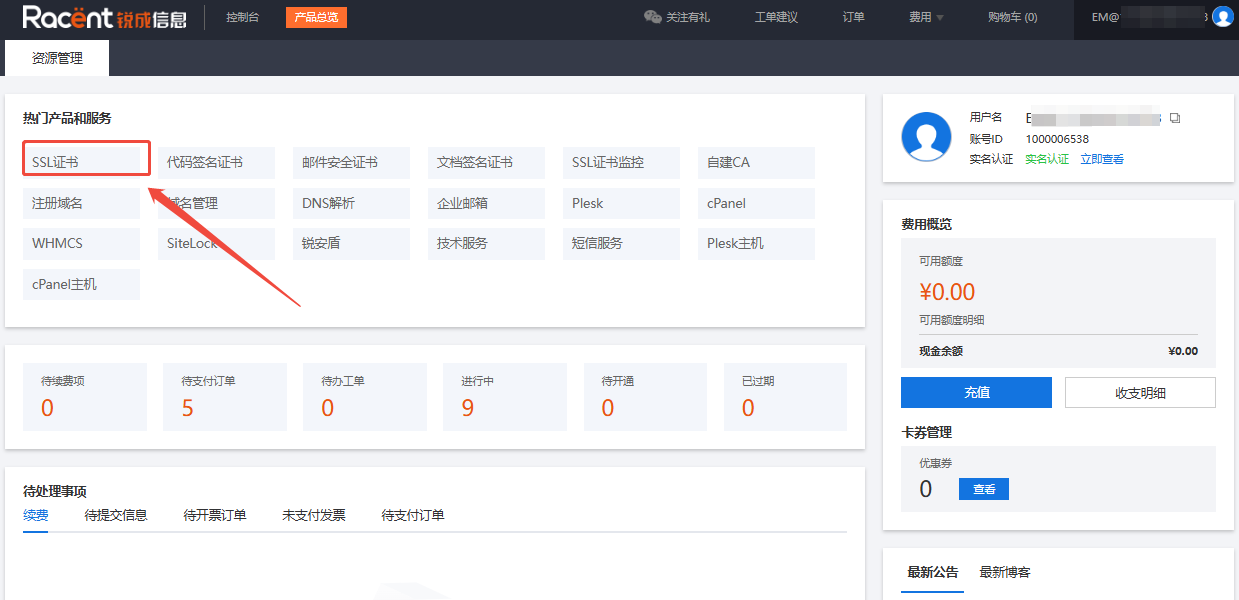
After logging into the Racent Console, click the SSL Certificate option in the upper left corner
Select a Certificate Order
-
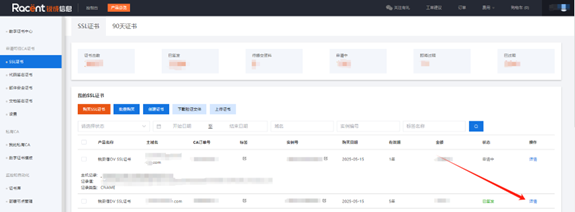
In the SSL certificate list, select the issued SSL certificate that requires re-signing
-
Click the Details option behind the order
Reissuing Certificates
-
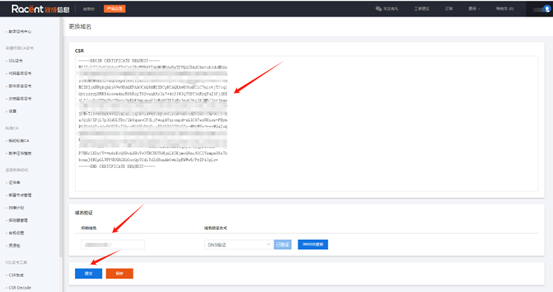
After entering the certificate details, click the Change Domain option

-
If the domain has not changed, but there is only an algorithm change or you simply need to generate a new certificate, you can click Submit directly
 Note
NoteIf the domain or company name has changed, please refer to the change rules: Can a re-issued certificate within the validity period have its domain changed?
If you have any questions, please contact our customer service team for assistance.