Configuring SSL Certificates on Alibaba Cloud Server Load Balancer (SLB)
This guide describes how to configure an SSL/HTTPS certificate on Alibaba Cloud Server Load Balancer (SLB). You can complete the configuration by following these three tutorial steps: upload the server certificate, configure the SLB instance, and test the SLB service.
1. Upload the server certificate
Before configuring an HTTPS listener (one-way authentication), you need to purchase a server certificate and upload it to the certificate management system of SLB. After uploading, no additional certificate configuration is required on the backend servers.
-
Log in to the SLB management console.
-
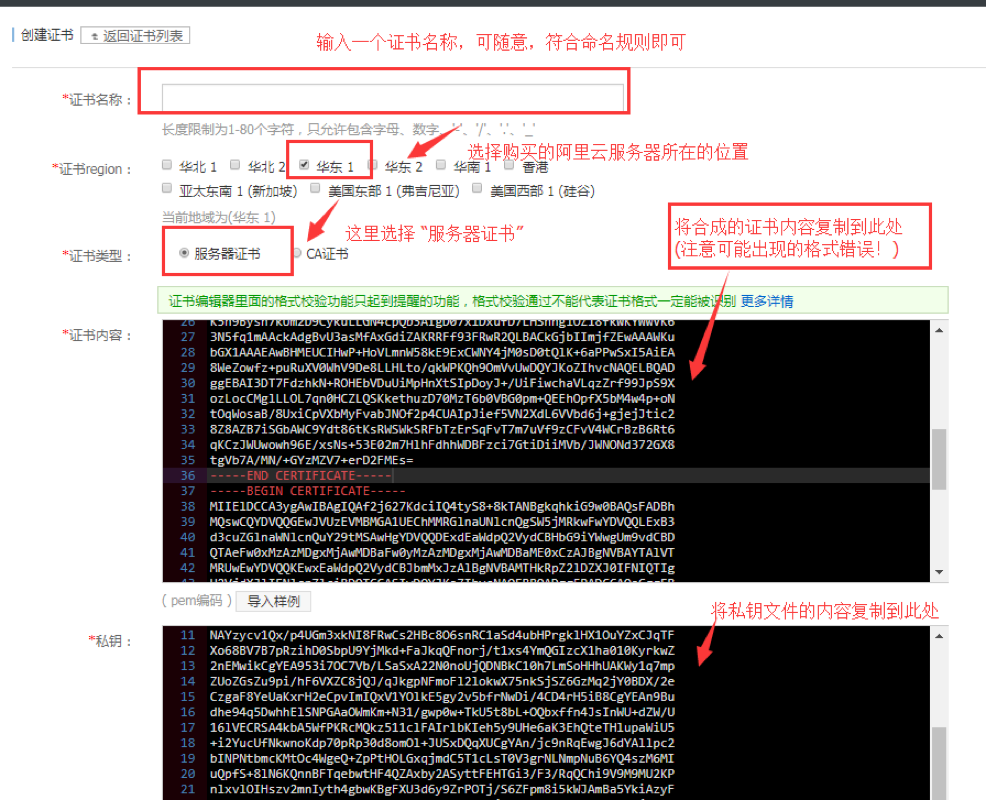
Go to the SLB configuration page in the Alibaba Cloud console and click Create Certificate.

- Click to upload the certificate file that has been issued to you. Configure the certificate according to the information shown in the figure:

The uploaded certificate must be in PEM format.
- Click OK to complete the upload. After the creation is complete, an additional record will appear in the certificate list.
2. Configure the SLB instance
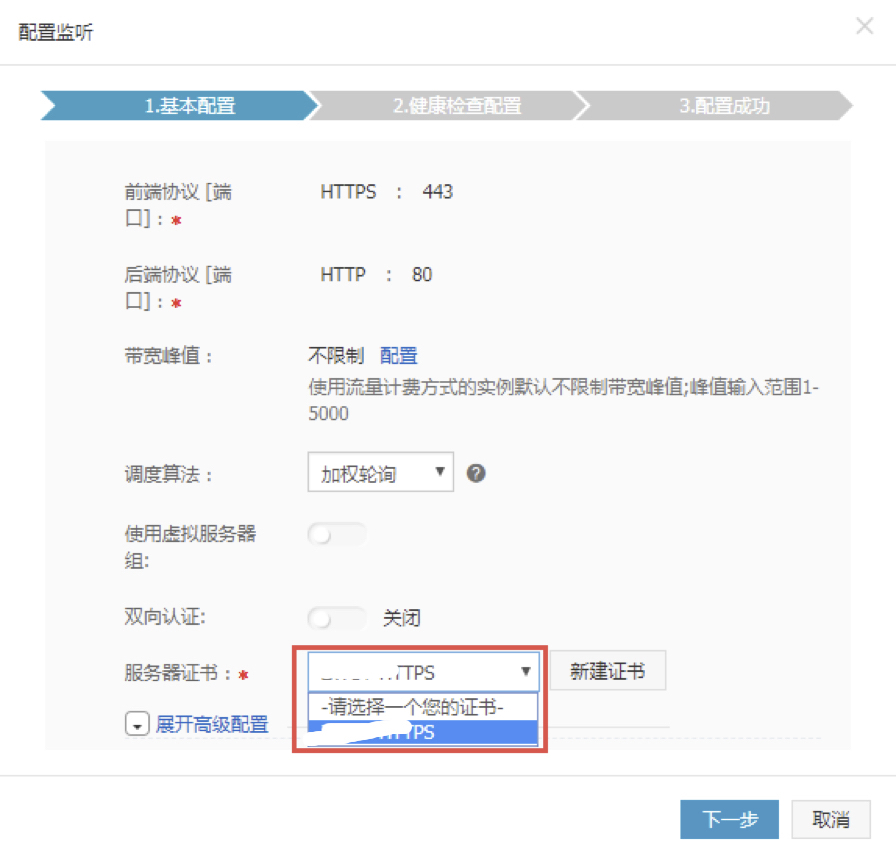
Add an HTTPS listener to the SLB and configure the uploaded SSL server certificate.
- Go to the SLB instance list and click Manage in turn to configure each instance.

-
After entering the instance configuration page, click Listeners in the left navigation pane of the details page, and then click Add Listener.
-
On the Protocol & Listener page, select HTTPS as the load balancing protocol, set the frontend port to 443, and the backend protocol port to 80, select the uploaded certificate, keep other parameters at their default values, and click Next until you click OK to complete the SLB instance configuration.

3. Test the SLB service
- After the SLB instance is configured, go to the instance management page and check the health check status. When the status is Normal, it indicates that the backend servers can normally receive and process requests forwarded by the SLB listener.

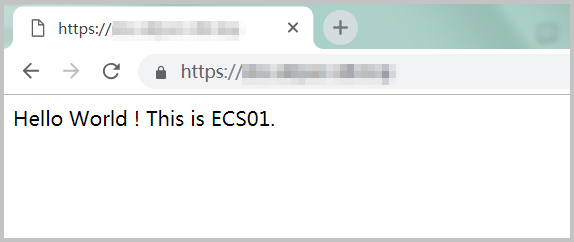
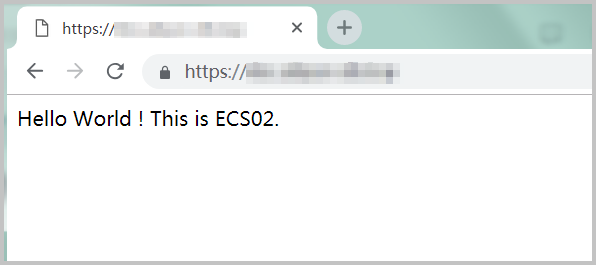
- Enter the public service address of the SLB in your browser. Refresh the browser, and you can observe that requests are switched between the two ECS servers.